Wireless Engine Cut-Off (ECOS) Fobs: Pairing, Battery Checks, Testing and the Law
How wireless kill-switch systems such as Fell Marine MOB+, Mercury 1st Mate, Garmin OnBoard and Yamaha's wireless MOB tags work, how to pair and test them, when to change fob batteries, how they fit the federal engine cut-off law compared with a lanyard, and why you should always carry a spare.

Time
30 min
Shop would charge
$150-400
Applies to
Outboard, Sterndrive (I/O), Gas inboard, Jet ski / PWC
Safety first: A cut-off device only helps if it's working and worn. Test it before every outing, and if the fob shows a low battery or won't connect, use your lanyard until it's fixed. Do all testing tied securely to the dock with the engine in neutral at idle, everyone clear of the propeller and nobody in the water. Never put the boat in reverse to pick someone up; the Coast Guard advises circling around going forward while keeping the person in sight. In an emergency, call USCG on VHF 16 or 911. Installing a wireless system involves the engine's kill circuit: Garmin, for example, recommends installation by a qualified marine installer.
Owners often ask
- Does a wireless kill switch fob count as using my engine cut-off switch under the Coast Guard law?
- How do I test my wireless engine cut-off fob and how often should I change its battery?
This guide walks you through it. Still stuck? Ask the AI Mechanic about your engine.
Tools
- Your system's owner's manual and app (if it uses one)
- Small screwdriver or coin for the fob battery cover
- Bucket of water (for systems whose test procedure calls for immersion)
Parts & supplies
- Replacement fob batteries of the type your system specifies
- Spare paired fob (recommended)
- Spare lanyard and clip that fit your helm switch
Before you start
What it is. A wireless engine cut-off system replaces (or works alongside) the coiled lanyard. The operator wears a small fob or "tag" on the wrist, a clip or the life jacket. A hub or receiver at the helm, wired into the engine's stop circuit, stays in radio contact with the fob. If the fob goes into the water or moves too far from the hub, the hub stops the engine and sounds an alarm. Boating Magazine describes the main types:
- Operator (captain) fobs trigger the alarm and the engine cut-off.
- Passenger fobs trigger the alarm only, so you know someone went over.
- After an overboard event, many systems let you restart quickly to go back for the person. Boating Magazine reports Fell and ACR disengage the shutdown after about six and five seconds respectively.
Common systems in the US (features vary by model and software version, so your manual rules):
- Fell Marine MOB+: aftermarket hub and fobs that work with most engines; Boating Magazine says it can monitor up to four fobs.
- Mercury 1st Mate: built with Fell Marine for Mercury SmartCraft engines, with Quicksilver kits for other brands. Mercury says it supports a captain fob plus up to seven passenger fobs, sends overboard alerts and GPS position to the app, can send a distress message to emergency contacts, and includes a theft-deterrent mode. Mercury states it complies with ABYC standard A-33 for cut-off devices.
- Garmin OnBoard: a hub plus MOB tags that integrates with Garmin chartplotters. Garmin says you must install and test the system before use and configure it from the chartplotter.
- Yamaha: boats with Yamaha's Helm Master EX wireless control and MOB tags use a Yamaha Wireless Station; Garmin's manual directs those owners to Yamaha's own instructions. Powerboat & RIB reports Yamaha's MOB feature slows or stops the boat if the captain or a passenger falls overboard.
- Others include ACR's OLAS line and the electromechanical Autotether.
The law. The Coast Guard's rule applies to "covered recreational vessels": motorized boats under 26 feet with 3 horsepower or more (115 pounds of static thrust). The operator must use the cut-off link whenever the boat is on plane or above displacement speed. Key points from the USCG FAQ:
- The link can be a coiled lanyard or an electronic fob.
- If the main helm is inside an enclosed cabin, you're exempt.
- Boats built from January 2020 must have a cut-off switch installed and kept working for the life of the boat.
- If your boat has a working cut-off device, you must use it, even on an older boat where you added a wireless system yourself.
- You don't need it attached while idling or docking.
Some states and waterways have their own rules, and many states require personal watercraft riders to attach the PWC's own lanyard or key. Check your state's boating laws and your PWC maker's guidance before adding anything to a PWC. Our kill switch lanyard guide covers the corded side in detail.
Wireless vs lanyard. Each has a blind spot. Boating Magazine notes most wireless systems let you keep the lanyard switch working, and that a lanyard shuts the engine down if you're thrown from the helm but stay in the boat, which a wireless fob still in range may not. The BoatUS Foundation's tests found the two hard to compare directly, and suggested using them together where it makes sense. Many owners wear the fob all day and add the lanyard in rough water or when running fast.
Steps
Identify the hub, each fob, any status lights or buzzer, the app (if any) and the system's override or bypass procedure. Note what triggers a cut-off on your model (immersion, distance, or both), the fob battery type, and the official test procedure. Keep the manual (or a link) in your BoatMend boat profile.
The hub must be wired into the engine's stop circuit exactly as the instructions describe, and it must be tested before first use. If a previous owner or a friend installed it and you have no record of a successful test, have a dealer or marine electrician check it. The BoatUS Foundation found some wireless systems complicated enough that a professional install made sense.
Things a BoatUS DIY install article (ACR OLAS Guardian, 2025) flags that are worth checking on any system:
- Hub location: ACR wants its hub roughly 20 inches or more from anything that transmits, including the VHF radio, antennas and their cables. A hub tucked next to the radio is a suspect for dropouts.
- The right wires: engines use either a "close to stop" or an "open to stop" kill circuit, and the hub must be spliced to match. Diesels may need an extra relay, and twin-engine boats an extra connector, to shut down every engine.
- Solid mounting: thin console fiberglass may need through-bolts instead of the supplied screws.
Follow your system's pairing steps (usually a button press on the fob and the hub, or pairing through the app). Then:
- Set which fob is the captain/operator fob and which are passenger fobs.
- Label them, for example with colored tape or by strap color, so the operator fob doesn't end up on a child.
- Pair a spare operator fob and store it aboard where the crew knows to find it.
Most fobs run on a coin cell or a rechargeable battery.
- Replace or recharge at the start of every season, and whenever the hub, fob or app shows a low-battery warning. Garmin, for example, expects its OnBoard tag battery to last about one season of typical use, per BoatUS.
- Use the exact battery type the maker lists and keep spares in a dry box aboard.
- When closing the battery cover, check the seal is clean and seated so water can't get in.
Before every trip: power on the helm, confirm the hub shows each fob connected (light, display or app), and confirm the operator is the one wearing the operator fob. If anything shows "not connected" or "low battery," fix it or clip on the lanyard before leaving the dock.
Use your maker's official test procedure. A typical test, done tied up with the engine idling in neutral:
- Have someone stand by the ignition.
- Trigger the operator fob the way your manual says, for example by dipping it in a bucket of water or carrying it out of range.
- The engine should stop and the alarm should sound within a few seconds.
- Restart using the normal reset procedure.
Check your settings before testing: some systems have features that change behavior in neutral (Mercury's 1st Mate, for example, has an optional "Disable in Neutral" setting so the alarm doesn't trigger when you step off at the fuel dock with the engine idling). If your test does nothing, look for a setting like that before assuming the system is broken.
Distance-based systems often need tuning. The BoatUS writer had to adjust his app's sensitivity several times: some settings let him walk nearly 100 feet away before the engine stopped, others shut it down while he was still aboard. Dipping the fob in water gives the quickest response, because water blocks the radio signal. Aim for a setting that cuts out promptly when you step off the boat but never while you move around normally aboard.
The whole point of a wireless system is that the boat can come back for the person in the water. Practice, at the dock, how a passenger restarts the engine after a captain-overboard event: the automatic re-arm delay, the override or bypass button sequence, or the app's restart instructions. Mercury says 1st Mate guides passengers through the restart in its app; Garmin's system has a bypass mode. Make sure at least one other person aboard knows how.
Before leaving: show everyone the fobs, what the alarm sounds like, how to restart, how to steer back while keeping the person in sight, and where the throwable and the spare fob are. Then follow your crew overboard recovery plan (see our MOB recovery gear guide).
Wear the operator fob where the maker says (wrist strap, clip or life jacket) so it will go into the water with you. A fob left in a cup holder or tossed under the console protects no one, and the system can't tell.
Leave the corded switch connected and keep the lanyard at the helm. Use it when the fob battery is low, when the system is acting up, and in conditions where you could be thrown from the seat (rough water, high speed, solo runs). If your boat has a cut-off switch, the law requires you to use some form of link on plane.
- Rinse fobs with fresh water after saltwater use and let them dry.
- Inspect straps and clips for cracks; replace them before they break.
- Install software updates when the app or maker offers them; Mercury notes 1st Mate can update the hub and fobs through the app.
- Store fobs dry and remove or charge batteries as the maker suggests for winter layup.
- Engine cuts out for no reason: low fob battery, fob shielded by the body or a metal object, operator at the edge of range on a long boat (some makers offer range extenders), or a loose hub connection.
- Won't start: captain fob not present or not paired, theft-deterrent mode active (1st Mate locks the engines until the captain fob or app unlocks them), lanyard clip not on the corded switch, or the system left in a triggered state. Your engine no-start guide covers the rest.
- One fob won't connect: replace its battery, then re-pair it.
- Dropouts only when the radio transmits: the hub may be too close to the VHF or its antenna cable; ask your installer about moving it.
- Swimmers set off alarms: some systems (Garmin OnBoard, for example) let you disable a passenger tag for a swim. Remember to turn it back on.
Common mistakes
- Never testing the system after installation, or not since last season.
- Running on a dead fob battery and not noticing the warning.
- Letting a passenger wear the operator fob.
- No one else aboard knows how to restart after the captain goes overboard.
- Disconnecting the lanyard switch completely.
- Believing that owning a wireless system means you don't need to wear anything.
- Keeping the only operator fob on the operator's keychain, with no spare aboard.
When to call a pro
- Installing a new system or moving the hub (it ties into the engine's stop circuit)
- The engine won't stop during a test, or stops but won't restart after the normal procedure
- Repeated nuisance cut-offs after new batteries and re-pairing
- Integrating with multiple engines, joystick or drive-by-wire controls, or a chartplotter network
- Adding a cut-off system to a personal watercraft
Tips
- Test monthly at least, and before every trip in the first season while you learn the system.
- Give guests passenger fobs: the alarm can tell you within seconds that someone went over the stern while you were looking ahead.
- Keep a spare lanyard in the glove box even if you never use it.
- Insurers sometimes offer discounts for these systems; Mercury mentions one for 1st Mate owners with certain policies, so ask yours.
Official references
We read these to write this guide. Your engine's own manual always wins.
- USCG Boating Safety – Engine/Propulsion Cut-Off Devices
- USCG Boating Safety – Engine/Propulsion Cut-Off Devices FAQ
- Mercury Marine – 1st Mate Delivers Ultimate Boating Confidence and Safety
- Boating Magazine – Electronic Boat Engine Kill Switches
- Boating Magazine – Cutoff Switch by 1st Mate
- Garmin – GPSMAP Owner's Manual, Garmin OnBoard Man Overboard Engine Cutoff System
- Powerboat & RIB – Yamaha Launches Helm Master EX Wireless Control
- BoatUS Magazine – Wireless ECOS Lanyard (installing a wireless engine cut-off, 2025)
- BoatUS Magazine – Garmin Introduces New Wireless MOB Safety Option (2025)
- BoatUS Foundation – Engine Cut-off Device Tests (Findings
Safety: BoatMend is for information only and does not replace a certified marine technician. You are responsible for your safety and your boat. Read the full disclaimer.
Last updated 2026-10-24
Related guides
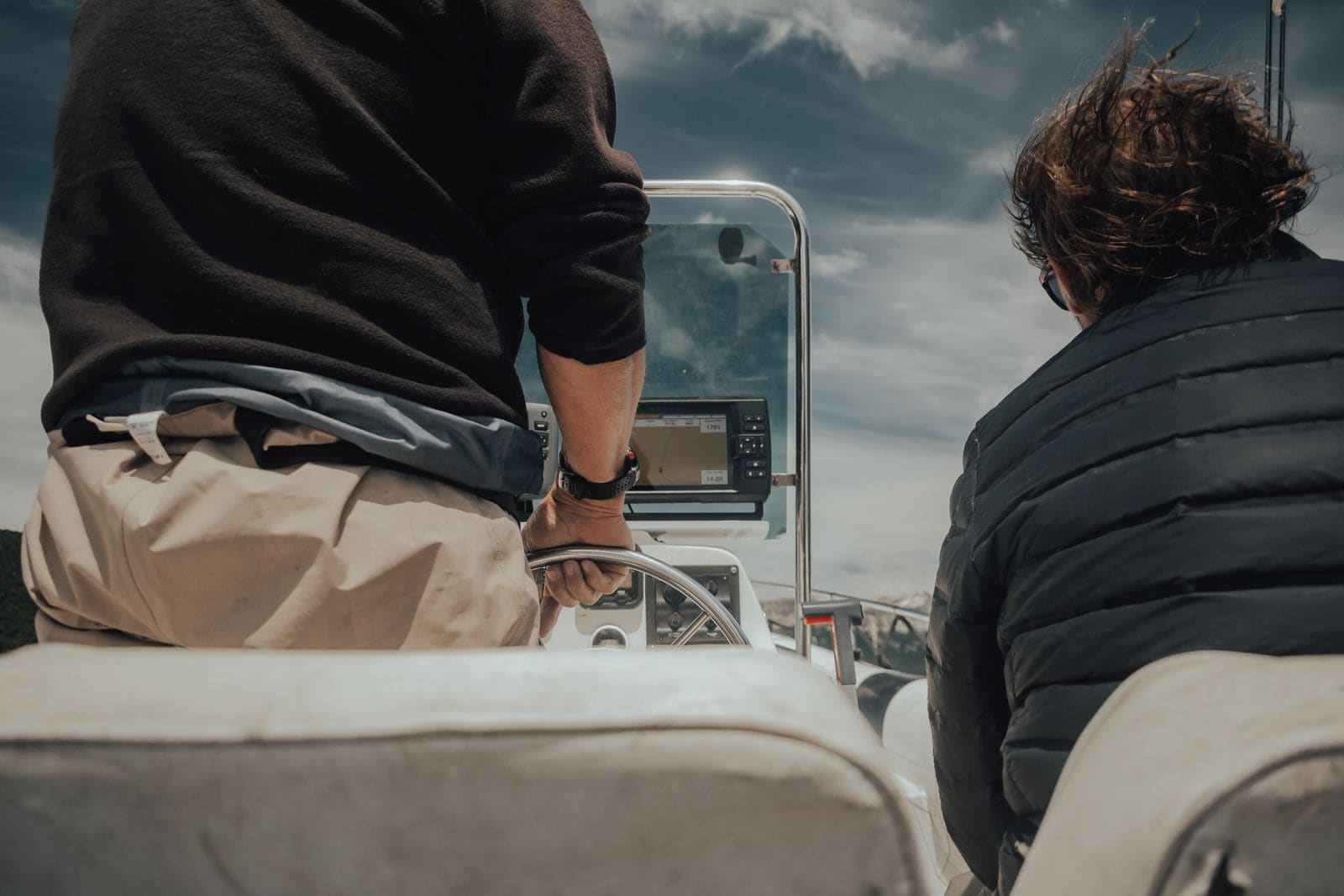
Engine Cut-Off Switch (Kill Switch) and Lanyard: The Law, Testing and Daily Use
How the engine cut-off switch (ECOS) and its lanyard or wireless fob work, when federal law requires you to wear it (boats under 26 feet, 3 hp or more, on plane), how to test it before every trip, and why a spare clip aboard matters.
Man-Overboard Recovery Gear: Throwables, Lifesling, Ladders and MOB Alarms
Set up and check the gear that gets a person in the water back aboard - a throwable within reach, a floating rescue line or Lifesling-style sling, a boarding ladder someone in the water can pull down, and MOB alarms or AIS beacons - and practice the drill so it works when it counts.

USCG Required Safety Equipment Check by Boat Length
Walk through your boat and confirm you carry every piece of safety gear the US Coast Guard requires for your boat's length and type, and that none of it is expired or worn out. Missing or expired gear is one of the most common tickets on the water, and it is the gear you need when things go wrong.
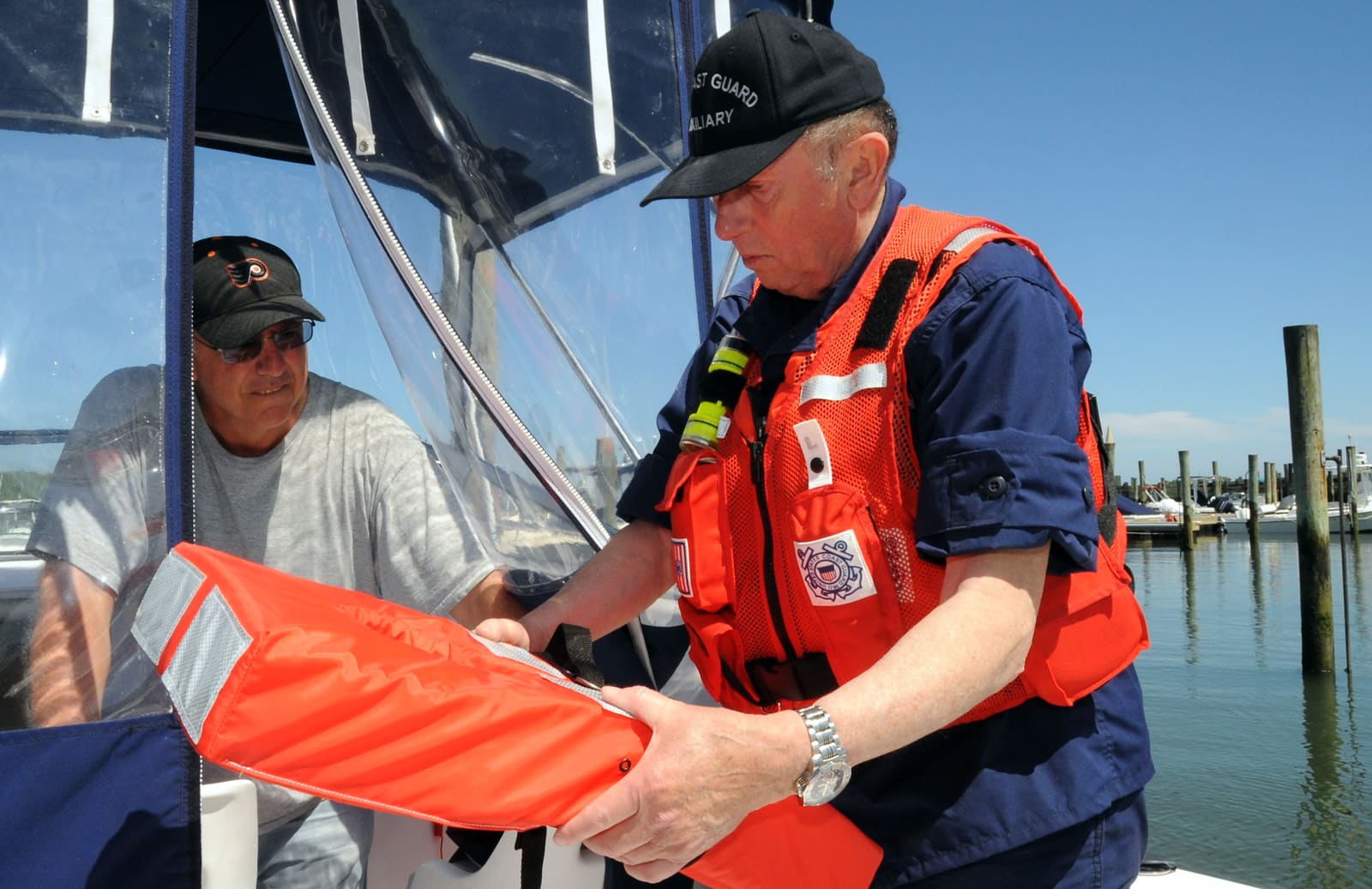
How to Prepare for a Free Vessel Safety Check
Volunteers from the Coast Guard Auxiliary and America's Boating Club will inspect your boat's safety gear for free, with no ticket if something is missing. Learn how to request a Vessel Safety Check, what the examiner looks at, how to get your boat ready and what to do with the fix list.

Wakesurf Safety: The Right Boat, Carbon Monoxide, Spotters and Distance
A pre-ride checklist for wakesurfing - surf only behind inboard or V-drive boats built for it, keep riders away from exhaust and the engine off when they board, use a spotter and a short surf rope, stay well away from shore, docks and other boats, and never overload the ballast.
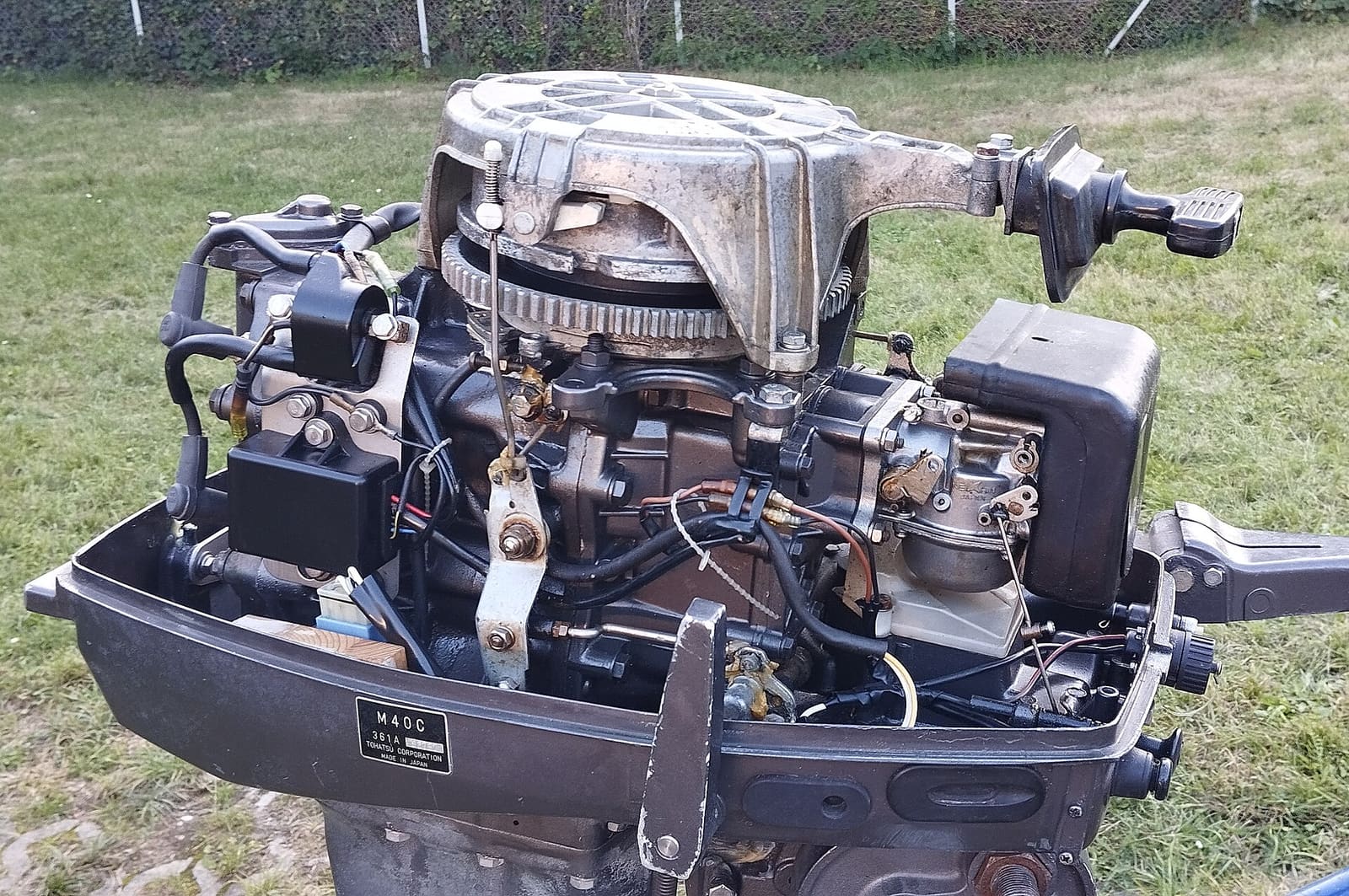
Engine Won't Start or Won't Crank - Troubleshooting Guide
Find out why your boat engine will not turn over or will not fire, starting with the simple things owners miss most, like the kill switch lanyard and battery switch. Many no-starts are fixed at the ramp in minutes without a tow.
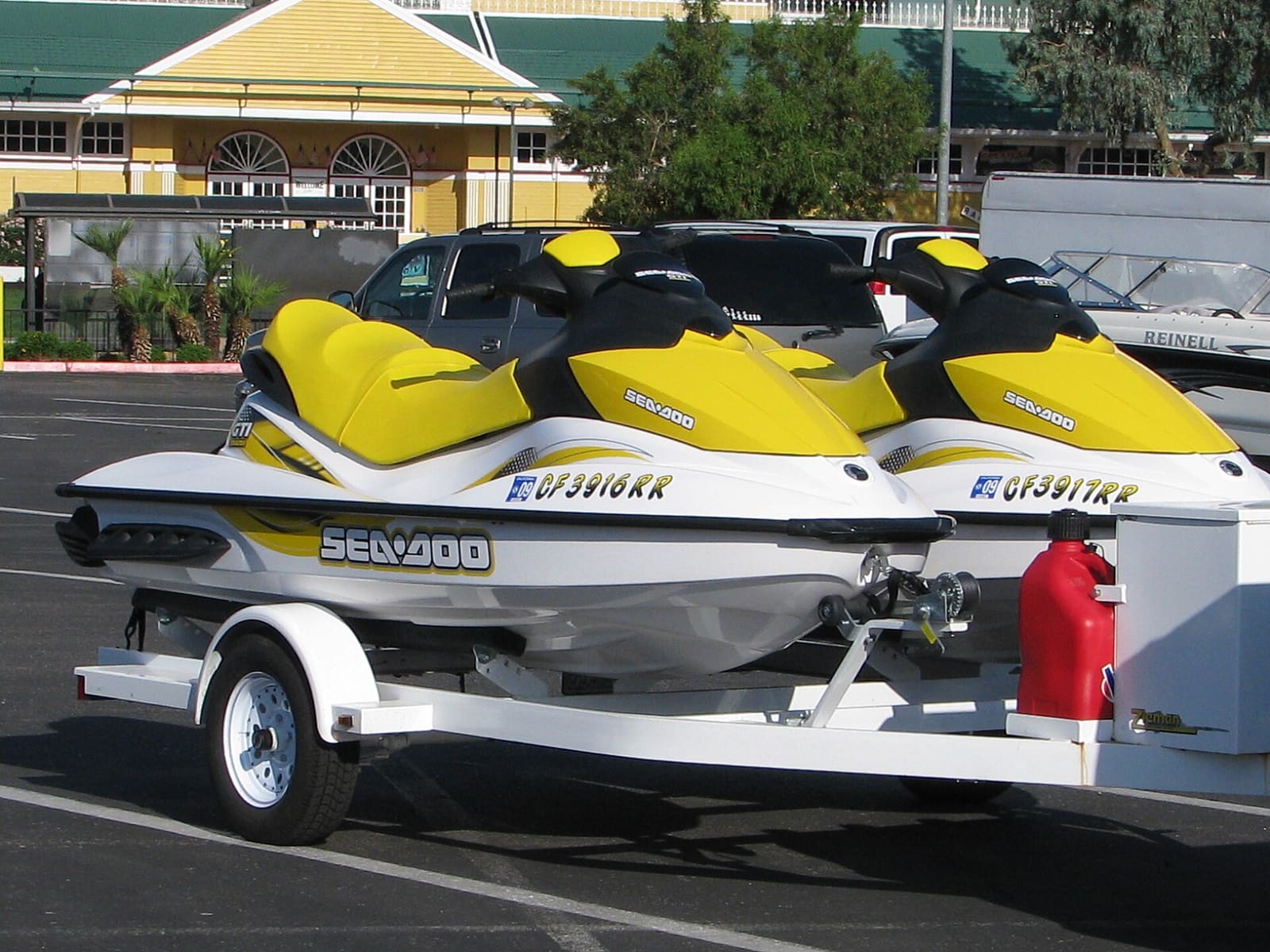
Jet Ski Won't Start or Won't Beep: A Step-by-Step Check
Most personal watercraft that refuse to start have a simple cause: the key or lanyard, a weak battery, a blown fuse, a security lock or a flooded engine. Work through these checks from the cheapest to the most involved and learn what each result means for Sea-Doo, Yamaha and Kawasaki models.