Set Up Your VHF Radio: MMSI, DSC, GPS Hookup and Radio Checks
Get a free or low-cost MMSI number, program it into your DSC radio, connect your GPS so a distress alert sends your exact position, check the antenna, and learn the Channel 16 rules and the right way to do a radio check.
Time
1 h
Shop would charge
$150-500
Applies to
All engines
Safety first: Never press the red DISTRESS button to "test" your radio. It sends a real distress alert, launches a search and is a false alarm under federal rules. Use the DSC test call described below instead. Calling MAYDAY to get a radio check is a hoax the Coast Guard can prosecute as a felony. In a real emergency, use the DSC distress button and then call MAYDAY on Channel 16; if you have cell service, also call 911.
Owners often ask
- How do I get an MMSI number and program it into my VHF radio?
- Is it OK to ask for a radio check on Channel 16?
This guide walks you through it. Still stuck? Ask the AI Mechanic about your engine.
Tools
- Your radio's owner's manual
- Small screwdrivers
- Crimping tool, wire stripper and heat gun (for the GPS data wires)
- Digital multimeter
- Flashlight
Parts & supplies
- MMSI number (from BoatUS, America's Boating Club/U.S. Power Squadrons or Shine Micro for U.S.-only use, or from the FCC with a ship station license)
- Adhesive-lined heat-shrink butt connectors for the NMEA data wires
- Self-amalgamating (self-fusing) tape for exposed antenna connections, if needed
Before you start
The Coast Guard calls a VHF marine radio the single most important radio you can own, and every fixed-mount VHF certified in the U.S. since 1999 has Digital Selective Calling (DSC). DSC lets you send a distress alert with one button: your radio transmits a digital message with your boat's ID and, if connected to GPS, your exact position. It keeps repeating even if you cannot talk.
But DSC only works if two things are done, and many boats leave the factory without either:
- The radio has a Maritime Mobile Service Identity (MMSI) programmed in. This 9-digit number identifies your boat. Without it, the DSC functions do not work.
- The radio gets position data from a GPS (built in, or wired from your chartplotter).
The Coast Guard "urges, in the strongest terms possible," that you connect your GPS to your DSC radio.
Find your radio's owner's manual before you begin: menus differ from model to model.
Steps
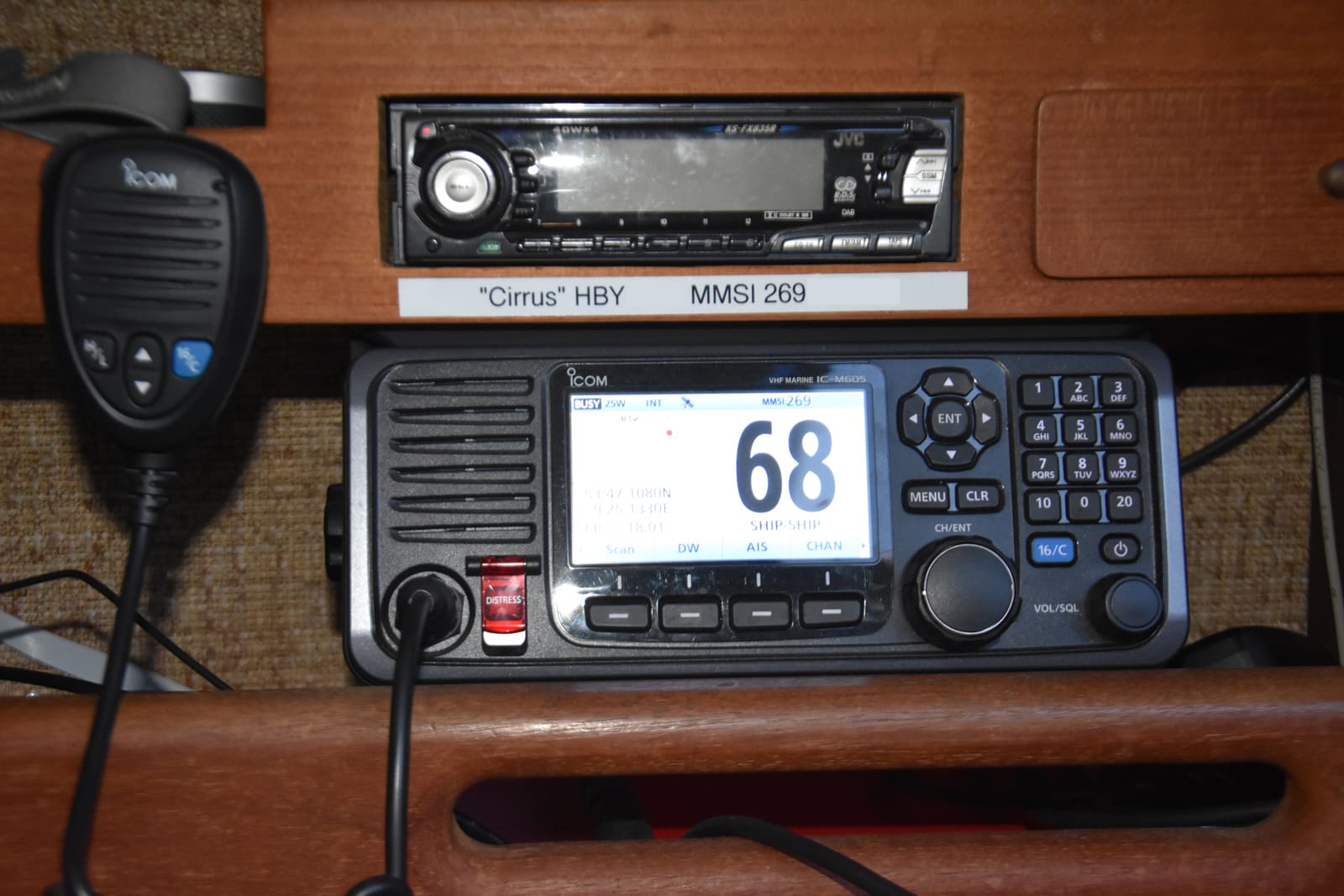
Look at the radio for a red DISTRESS key (often under a spring cover) and a DSC menu. Check whether the display already shows an MMSI. BoatUS suggests checking the manual for how to display it, or placing a private DSC call to a friend and asking them to read back the MMSI that shows on their screen. If you bought the boat used, the old MMSI may still be registered to the previous owner. An older radio with no DSC menu or red key cannot send a digital distress alert at all; the Coast Guard advises that any new radio you buy include a GPS receiver so its alerts carry your position.
According to the Coast Guard and BoatUS:
- U.S. waters only, recreational boat under 65 feet, not required to carry a radio: you do not need an FCC license. Get an MMSI from an organization the Coast Guard lists, such as BoatUS (free for members, $25 otherwise at the time of writing), America's Boating Club (U.S. Power Squadrons) or Shine Micro.
- Planning to visit or talk to foreign ports (Canada, the Bahamas, Mexico, the Caribbean) or required to carry a radio: you need an FCC Ship Station License, which comes with its own MMSI. BoatUS notes that a BoatUS MMSI cannot be reused for international use; you would reprogram with the new FCC number.
- A handheld used on more than one boat: consider a separate MMSI for the handheld, so you can update its registration to whatever boat it is on.
The registration goes into the Coast Guard's search and rescue database. Rescuers use it to learn who you are, what your boat looks like and who to call, and to tell a real alert from an accidental one. Fill in your boat's description, emergency contacts and other safety gear (BoatUS asks for your EPIRB ID too; the EPIRB itself is registered separately with NOAA). Update it whenever anything changes.
Follow your manual's menu (often called "User MMSI" or "MMSI setup"). Many radios let you enter your MMSI only once or twice; after that, a dealer or the manufacturer must reset it. So type slowly and confirm every digit before saving.
If you have more than one radio on the same boat (a fixed mount and a handheld kept aboard), BoatUS says to put the same MMSI in all of them.
If your radio has a built-in GPS, check that it shows your latitude and longitude on screen. If not, connect it to your chartplotter or GPS:
- NMEA 0183: usually two wires. Connect the GPS's data-out (+) to the radio's data-in (+), and join the data ground (-) wires. BoatUS warns there is no standard color code, so use both manuals.
- NMEA 2000: plug the radio into the boat's backbone with the proper drop cable, if it supports N2K.
- Make the joints with crimped butt connectors and adhesive-lined heat shrink.
Turn everything on and confirm the radio now shows your position and time. If the screen shows "no position" or a flashing position, the distress alert will not send a usable location.
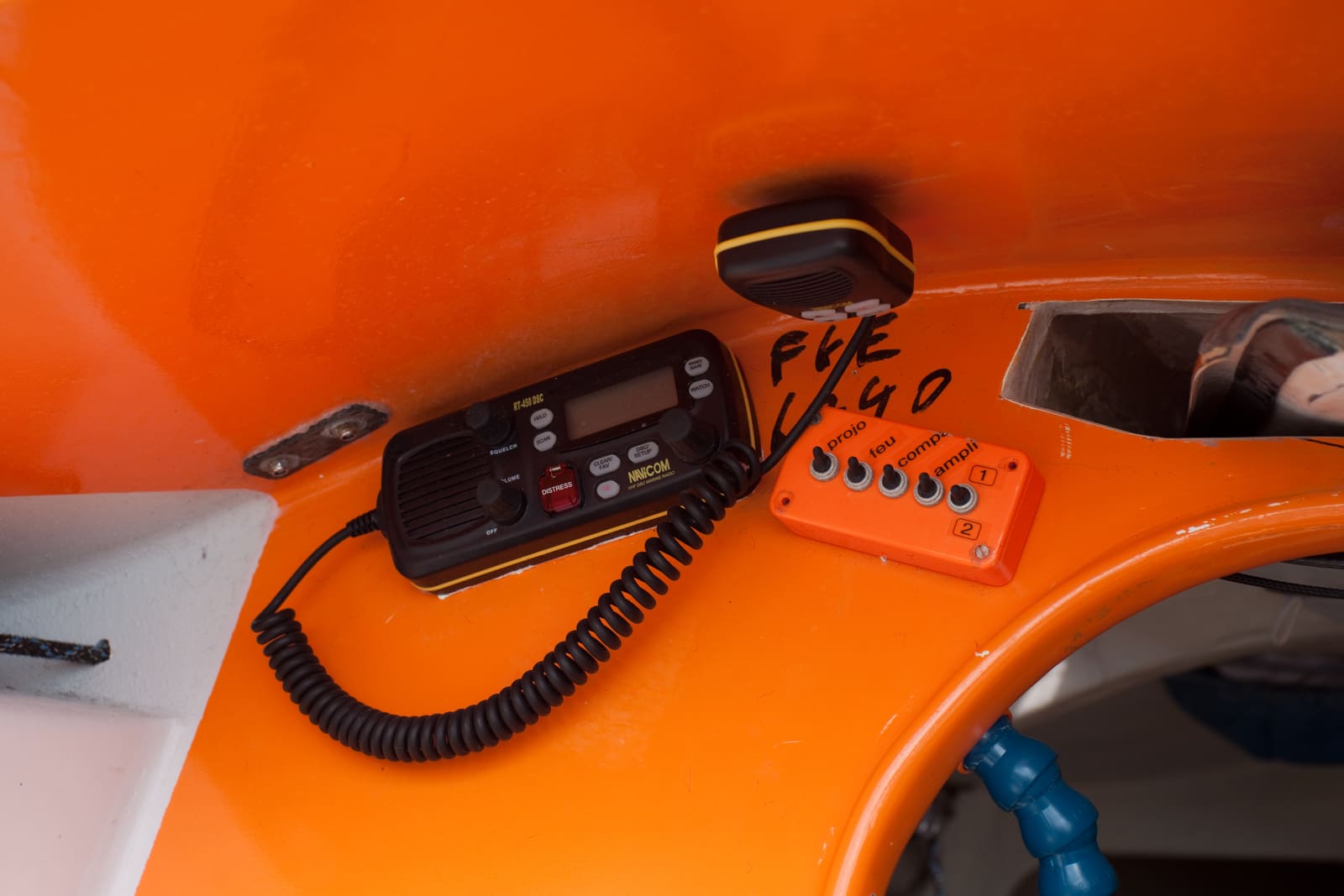
Mount the radio where you can reach it and the red DISTRESS key from the helm. Photo: Fanny Schertzer / Wikimedia Commons · CC BY-SA 2.5 - Power: the radio should have its own fuse or breaker. BoatUS recommends wiring the negative to a ground bar and the positive to a dedicated breaker sized as the radio maker specifies, with wires supported every 18 inches.
- Antenna: VHF works by line of sight, so height matters. Check that the antenna is upright, its mount is tight and not cracked, and the cable is not crushed, kinked or chafed.
- Connector: the coax plug at the back of the radio and any connection at the antenna base should be clean and dry. Green corrosion or water inside a connector costs a lot of range. Seal exposed connections with self-amalgamating tape. BoatUS notes that solder-on PL-259 connectors make a longer-lasting connection than crimp-on ones.
The Coast Guard says a VHF radio's range is generally 5 to 10 miles between boats and at least 20 miles to a Coast Guard station, depending on antenna height. A poor antenna or connection can cut that sharply.
This is the right way to check DSC. All U.S. fixed-mount radios sold since 2011 must have a test call feature. Per the Coast Guard:
- Store the Coast Guard's group number 003669999 in the radio's DSC directory.
- Choose Test Call in the DSC menu.
- Select the stored Coast Guard number and send.
Your radio should show an acknowledgment from a Coast Guard station within a short time (its number may differ from the one you entered). If you get it, your radio, MMSI, antenna and the Coast Guard's Rescue 21 system are all working. You can also send a test or routine DSC call to a friend's MMSI.
The Coast Guard asks boaters to do voice radio checks with other boaters on Channel 9 and not on Channel 16. The Coast Guard does not monitor Channel 9. The automated radio check service that Sea Tow ran on Channels 24 and 28 was discontinued in October 2020.
A short, polite check: "Radio check, radio check, this is [boat name], how do you hear me, over." Thank whoever answers and move on.
- Channel 16 is the distress, safety and calling channel. FCC rules require boaters with a VHF to listen on Channel 16 (or Channel 9, the supplementary calling channel for recreational boats) whenever the radio is on and not being used to talk. The Coast Guard recommends staying on 16.
- You may hail another boat on 16, but keep it brief and move to a working channel right away (for example, "Reply 68").
- Channel 70 is reserved for DSC digital signals only. No voice on 70.
- The Coast Guard announces storm warnings and urgent broadcasts on Channel 16 first, then moves to Channel 22A.
- Weather channels (WX): your radio's weather button tunes NOAA Weather Radio, the National Weather Service's continuous broadcast from more than 1,000 transmitters, on seven frequencies the radio usually labels WX1 to WX7. Find which one is strongest where you boat and listen before you leave. Many radios also have a weather-alert mode that sounds when NWS sends a warning; check your manual.
- No chatter, music, profanity or fake emergencies. Hoaxes carry fines and possible prosecution.
DSC distress: lift the cover over the red DISTRESS key and press and hold it until the radio confirms the alert is sent (usually a few seconds; check your manual). Many radios let you pick the nature of distress first (fire, sinking, man overboard) if you have time. Then the radio switches to Channel 16: follow up with a voice MAYDAY.
Voice MAYDAY (Coast Guard format), on Channel 16:
- "MAYDAY, MAYDAY, MAYDAY. This is [boat name] (three times), [registration number]."
- "MAYDAY, [boat name]. My position is [lat/long, or bearing and distance from a landmark]."
- What is happening (sinking, fire, injury) and what help you need.
- Number of people aboard and any injuries.
- Boat description: length, type, hull color.
- "Over." Then listen, and repeat if there is no answer.
Tape a card with this script next to the radio so a guest can use it if you are hurt. After the call, stay by the radio if you can: the Coast Guard can home in on your transmissions.
Pressed DISTRESS by accident? Per the Coast Guard: do not switch the radio off (most radios keep sending the alert when powered back on). Use the radio's cancel-distress menu to transmit a cancellation, then call on Channel 16 and tell the Coast Guard and nearby boats you are cancelling, with your boat's name and MMSI. You will not get in trouble for an accidental alert that you cancel right away.
Hear a distress alert or MAYDAY? Listen on Channel 16 and check the position shown on your radio. If nobody answers a distress call and you are nearby, you are expected to respond. If a DSC alert is not acknowledged by the Coast Guard, contact them by any means you have and pass on the details.
Show everyone aboard where the radio is, how to turn it on, where Channel 16 is (most radios have a 16/9 key) and what the red button does. Remind kids it is not a toy.
When you sell the boat or the radio, update or transfer the MMSI. BoatUS explains that if the radios stay with the boat, you transfer the MMSI to the new owner; if you keep the radios, update the registration with your new boat. Two boats must never use the same MMSI. When you buy a used boat with a DSC radio, find out whose MMSI is programmed in before you rely on it.
Common mistakes
- Never programming an MMSI, so the red button sends nothing useful.
- Leaving the GPS disconnected, so a distress alert carries no position.
- Pressing DISTRESS "to see if it works."
- Turning the radio off after an accidental distress alert instead of cancelling it from the menu and calling the Coast Guard on 16.
- Asking for radio checks on Channel 16, or calling MAYDAY to get one.
- Typing the MMSI wrong and running out of entries.
- Using a BoatUS MMSI on an international trip instead of getting an FCC license and MMSI.
- Keeping a previous owner's MMSI registration on a used boat.
- A corroded or waterlogged antenna connector that quietly cuts range.
- Leaving the radio on a working channel and missing calls and warnings on 16.
When to call a pro
- The radio cannot get a DSC test call acknowledged even with a good antenna and MMSI
- Your MMSI was entered wrong and the radio will not accept a change (a dealer or the manufacturer can reset it)
- Installing a new antenna, running new coax up a mast or T-top, or adding a splitter for AIS
- Interfacing the radio with an AIS, chartplotter network or multiple stations
- Water inside the antenna or coax, or a broken antenna mount
Tips
- Program useful numbers into the DSC directory: your buddy boats, your marina and the Coast Guard test number.
- Note your local weather channel (WX number) in your BoatMend boat profile so guests can find the forecast too.
- A handheld VHF with built-in GPS and DSC is a smart backup and goes with you into a life raft or dinghy.
- Write your MMSI on a label near the radio and in your BoatMend boat profile.
- On a sailboat, a masthead antenna gives the most range, but add its height when you check bridge clearance.
Official references
We read these to write this guide. Your engine's own manual always wins.
- U.S. Coast Guard Navigation Center – Maritime Mobile Service Identity (MMSI)
- U.S. Coast Guard Navigation Center – Digital Selective Calling
- U.S. Coast Guard Navigation Center – Performing a VHF Marine Radio Check
- U.S. Coast Guard Navigation Center – Radio Information for Boaters
- U.S. Coast Guard Navigation Center – DSC Distress (sending, cancelling and receiving alerts)
- BoatUS – MMSI Registration for Recreational Boaters
- BoatUS – How To Install A VHF Radio
- National Weather Service – NOAA Weather Radio
- U.S. Coast Guard Navigation Center – U.S. VHF Channel Information (including NOAA weather channels)
Safety: BoatMend is for information only and does not replace a certified marine technician. You are responsible for your safety and your boat. Read the full disclaimer.
Last updated 2026-10-24
Related guides

USCG Required Safety Equipment Check by Boat Length
Walk through your boat and confirm you carry every piece of safety gear the US Coast Guard requires for your boat's length and type, and that none of it is expired or worn out. Missing or expired gear is one of the most common tickets on the water, and it is the gear you need when things go wrong.
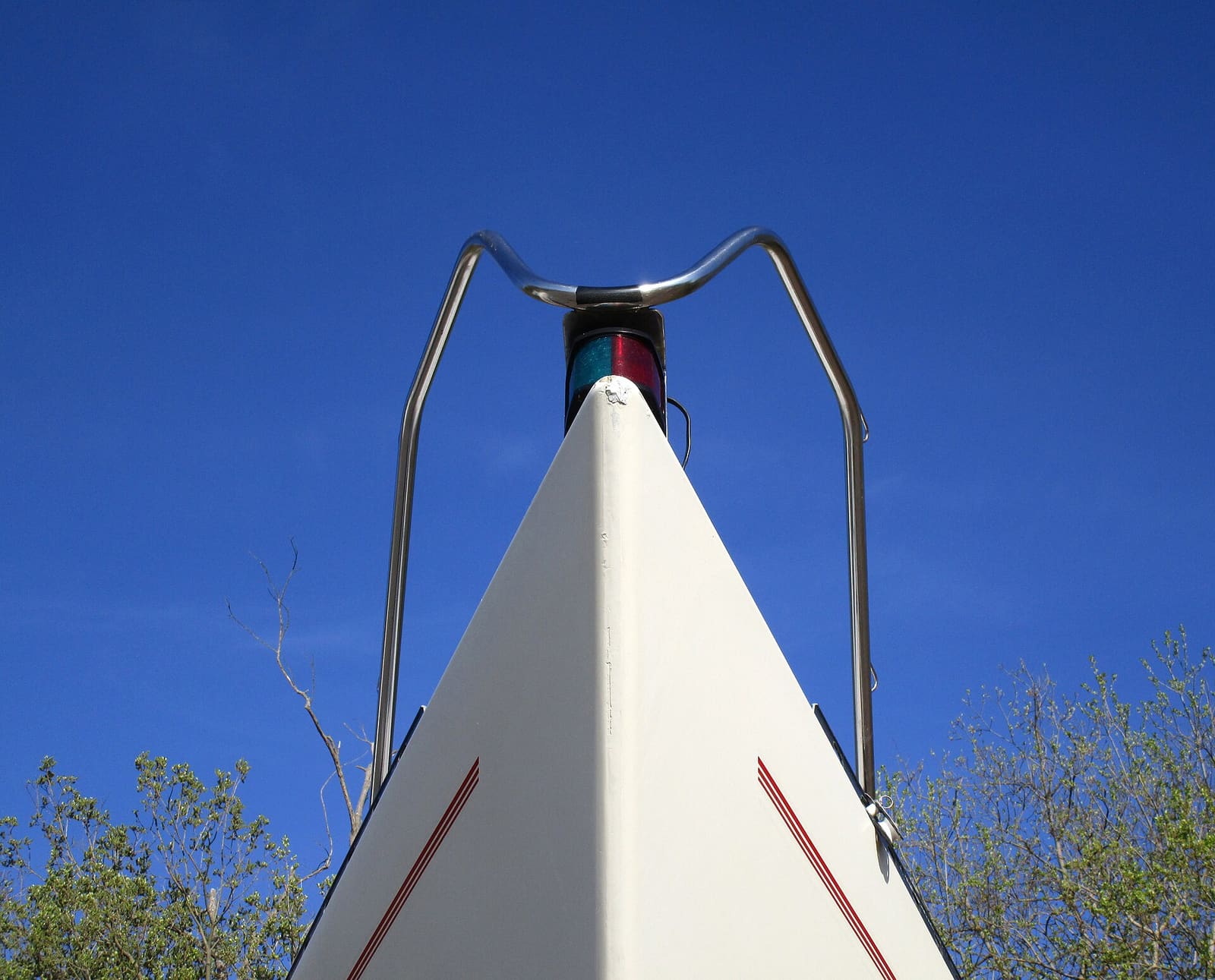
How to Test and Fix Your Boat's Navigation Lights
Learn which navigation lights your boat must show and when, then test them and fix the usual culprits such as corroded sockets, loose pole-light plugs and blown bulbs. Working lights are legally required at night and in poor visibility and are how other boats see which way you are heading.
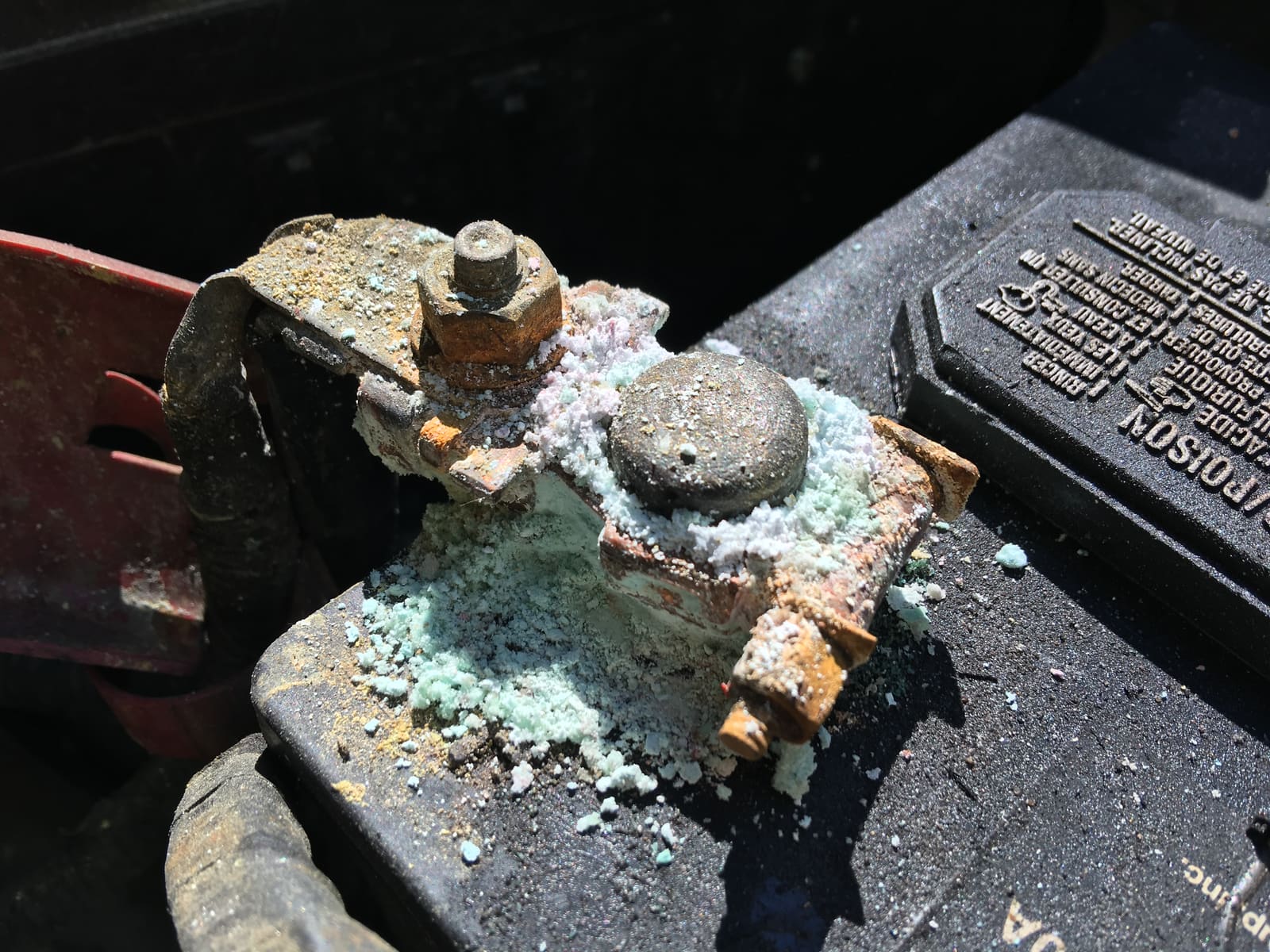
How to Find and Fix Corroded Electrical Connections on a Boat
Track down the green crust and loose terminals behind flickering lights, dead gauges and slow cranking with a simple voltage-drop test, then remake the connection the marine way: tinned wire, a proper crimp, adhesive-lined heat shrink and a protective coating.
Launch Day and Haul-Out Checklist for Trailer Boats
A step-by-step checklist for getting your boat off the trailer and back on again safely and quickly, from the drain plug and tie-downs to the blower and ramp etiquette. Following it in order prevents the classic mistakes that sink boats and back up the ramp.
How to Inspect a Used Boat Before You Buy
A step-by-step checklist for looking over a used boat, from paperwork and the hull ID number to the transom, engine, compression test, sea trial and trailer. Know what to check yourself, what the red flags mean, and when to pay a marine surveyor.