AIS on Your Boat: Receiver vs. Class B, MMSI Programming, Antennas and Checking You're Seen
Choose between a receive-only AIS and a Class B transponder, get the MMSI programmed the legal way, sort out the GPS and VHF antenna (or splitter), confirm other boats and the Coast Guard actually see you, and understand silent mode and AIS man-overboard beacons.
Time
2 h
Shop would charge
$300-1200
Applies to
All engines
Safety first: AIS is a helper, not a lookout. Many boats, kayaks, fishing gear and debris have no AIS, so keep watching, listening and using radar if you have it. In an emergency, your DSC VHF radio, EPIRB or PLB is the distress tool: the Coast Guard says AIS text messages and AIS man-overboard beacons are not monitored as official distress alerts. Use VHF channel 16 or the DSC distress button, or call 911 near shore. Turn off the boat's main battery switch before wiring, and leave antenna mounting at the masthead or on a tall arch to someone with the right gear.
Owners often ask
- Can I program the MMSI into my Class B AIS myself, or does the dealer have to do it?
- How do I know if other boats can actually see me on AIS?
This guide walks you through it. Still stuck? Ask the AI Mechanic about your engine.
Tools
- Your AIS unit's installation manual and setup app or software
- Chartplotter or app that displays AIS targets
- Screwdrivers, wire strippers and a crimper with heat-shrink connectors (for power wiring)
- Digital multimeter (to confirm 12-volt supply)
- Smartphone with internet access (for an online AIS check)
- Tape measure (for GPS antenna position from bow, stern and sides)
Parts & supplies
- Receive-only AIS or USCG/FCC-approved Class B transponder
- MMSI number registered to your boat (BoatUS, Sea Tow or the FCC)
- Dedicated AIS/VHF antenna or an AIS-rated antenna splitter, plus coax with marine connectors
- External GPS antenna if your unit requires one
- Inline fuse or breaker of the rating in the AIS manual, and tinned marine wire
- NMEA 2000 drop cable or NMEA 0183 cable to your plotter
Before you start
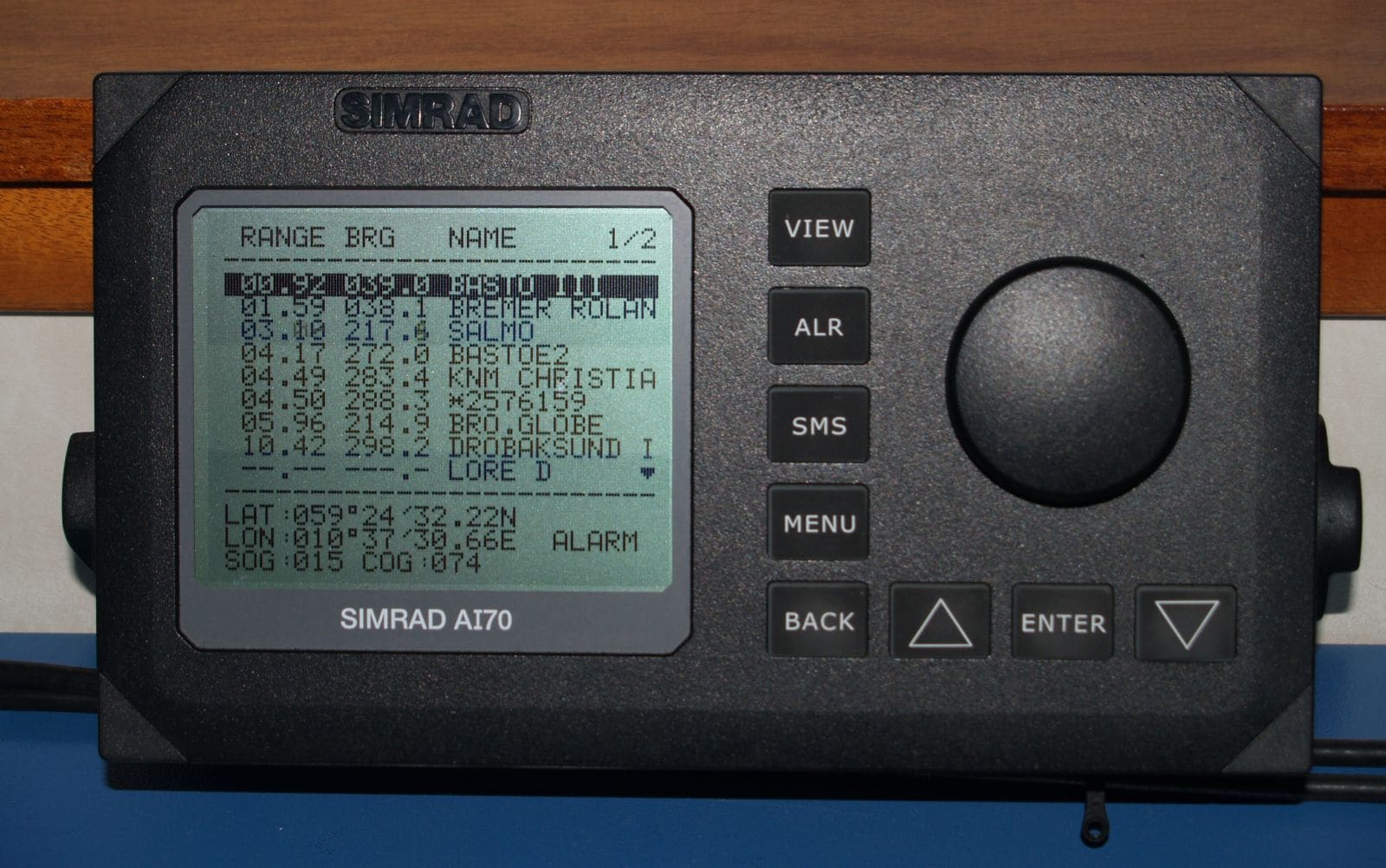
What AIS does: AIS (Automatic Identification System) is a VHF radio system. Equipped boats broadcast their identity, position, course and speed, and your plotter shows them as targets with a warning when one is on a collision course. Range is roughly line of sight, so antenna height matters most.
Receiver or transponder?
- Receive-only AIS shows you the boats that transmit, mainly ships, ferries, tugs and some yachts. You stay invisible to them. It is the cheapest option and needs no MMSI.
- Class B transponder receives and also broadcasts your boat, so ships can see you. West Marine calls a Class B transceiver the usual choice for recreational boats that run in busy waters, at night or in fog. The Coast Guard explains Class B reports less often and at lower power than the Class A sets on ships. There are two kinds: Class B "CS" (cheaper) and Class B "SO" (more capable, reports more often; often 5 watts versus 2 watts).
- Class A is for ships and commercial vessels that are required to carry AIS. Recreational boats aren't required to carry AIS at all.
Buy approved gear: the Coast Guard says any AIS used in the US must be FCC certified. Avoid cheap "AIS" gadgets that aren't.
Steps
A Class B transponder needs a 9-digit MMSI number, the same number your DSC VHF radio uses. BoatUS can issue one for recreational boats under 65 feet that are not required to carry a radio and that don't visit foreign ports (Canada, the Bahamas, Mexico and the Caribbean count). It's free for members or $25 for others (BoatUS pricing in October 2026). Sea Tow also issues them. If you travel to other countries, you need an FCC Ship Station License, which comes with its own MMSI. Use one MMSI for the boat in both the radio and the AIS. Never make one up: the Coast Guard warns that fake or default numbers make boats show up wrong for everyone. A quick sanity check from the Coast Guard's AIS FAQ: a valid ship MMSI starts with a digit from 2 to 7, and a U.S.-assigned one starts with 338, 366, 367, 368 or 369.
This is where many owners get stuck. The Coast Guard says Class B units sold in the US are not user configurable under FCC rules; the MMSI and boat details are entered by the dealer, installer or maker. In practice:
- Many retailers program the unit before shipping if you send your MMSI, boat name, call sign (if any) and GPS antenna position. West Marine lists this information for its pre-programming service.
- Some units let the owner enter the MMSI once through the setup app. Garmin's AIS 800 instructions warn you can't change the MMSI after you assign it; a wrong number means sending the unit back to Garmin for a reset.
- Until the MMSI is in, most units work as receivers only.
Double-check every digit before anything is saved. If you sell the boat or buy a used one with AIS, contact the maker or dealer to reprogram it with the new owner's MMSI.
AIS uses the marine VHF band, so it needs a VHF antenna. You have two choices:
- A dedicated AIS antenna gives the best performance and doubles as a backup VHF antenna (West Marine's advice). Keep it apart from your main VHF antenna, as the manual describes.
- An AIS-rated antenna splitter lets the AIS and your VHF radio share one antenna. Some transponders, such as the Garmin AIS 800, have one built in. A splitter adds some signal loss; a cheap one can cut your radio range. Use only splitters approved for AIS.
Mount the antenna as high as practical, use good low-loss coax and seal every outdoor connector. A masthead install is a rigger job on most sailboats. A few points from BoatUS:
- Height beats power. A dedicated AIS antenna ideally sits at least about 10 feet above the water and a few feet away from the VHF antenna, shrouds, radar arches and other metal, so two antennas crammed together at the masthead don't work well.
- Every foot of coax and every connector loses signal. Use the heaviest low-loss coax that fits, as few joints as possible, and aim for the low total loss your installation manual or the NMEA installation standard calls for.
- With most splitters, talking on the VHF pauses the AIS for the length of the call. During a man-overboard search, use a handheld VHF (or a second radio with its own antenna) so the fixed set keeps listening for the beacon.
A transponder needs its own reliable position. Many units have a built-in GPS receiver that needs an external GPS antenna with a clear view of the sky; others have one built in. Mount it where the arch, radar or mast won't block it. Measure its position from the bow, stern, port and starboard sides: this goes into the programming so other boats see your outline correctly.
Mount the transponder in a dry place, away from heat and the compass, where you can reach the cables. Wire it to a fused 12-volt supply with the fuse size in the manual, using tinned marine wire and sealed crimp connectors (see our 12-volt wiring basics guide). Most units should be powered whenever the boat is in use; many owners put it on the electronics breaker.
Connect the AIS to your chartplotter with NMEA 2000 (one drop cable onto the backbone) or NMEA 0183 (a serial cable), following both manuals. Some units also have Wi-Fi to send targets to a tablet app. In the plotter's settings, turn on AIS targets and set a collision alarm: a CPA (closest point of approach) distance and a TCPA (time to closest point) that fit your waters. Too tight and the alarm is useless; too loose and it goes off constantly.
In the unit's app or your plotter, look at your own vessel data: MMSI, boat name, call sign (if any), vessel type (pleasure craft or sailing), length, beam and GPS position. The Coast Guard asks AIS users to check this data before trips, especially after the unit has been off for a while. Errors here are what other boats see.
With the boat in an area with other AIS traffic:
- Check the status lights or the app: there should be no error, and a transmit light should blink every few minutes when stopped (more often when moving).
- Ask a friend with AIS to look for you, or call a nearby boat on VHF.
- Check an online AIS map or app a little later. These rely on volunteer receivers and may not cover your area.
- Use the Coast Guard's free Vessel Information Verification Service (VIVS) at navcen.uscg.gov. It shows whether the Coast Guard's network received your broadcasts and flags errors in your data. It isn't real-time and can lag up to two business days.
The Coast Guard notes that approved units have a built-in self-test, so don't send "test" text messages over AIS.
"My friend sees a dot but no boat name": that is often normal at first. The Coast Guard explains that position reports go out every few seconds to every few minutes, while the name, size and type go out in a separate message only every few minutes. Give it time before you assume the programming is wrong; if the name never appears, check your static data (step 7).
The Coast Guard warns that some LED lights can interfere with AIS and VHF reception. If your AIS shows fewer targets than you'd expect, or your radio sounds noisier with the lights on, turn the LEDs off and compare. See our LED lighting guide for the squelch test.
Many Class B transponders have a silent mode that stops transmitting while still receiving targets. Some have a button or app setting; Digital Yacht units use a simple switch wired to the power/data cable, with a light to show when silent. Not every model has it, and on some sets turning off transmit also turns off receive, so read your manual. Digital Yacht suggests silencing in crowded harbors to cut clutter. Many owners also use it for privacy at a mooring. Remember to switch back to transmit before you head into traffic or poor visibility, and never leave it silent by mistake.
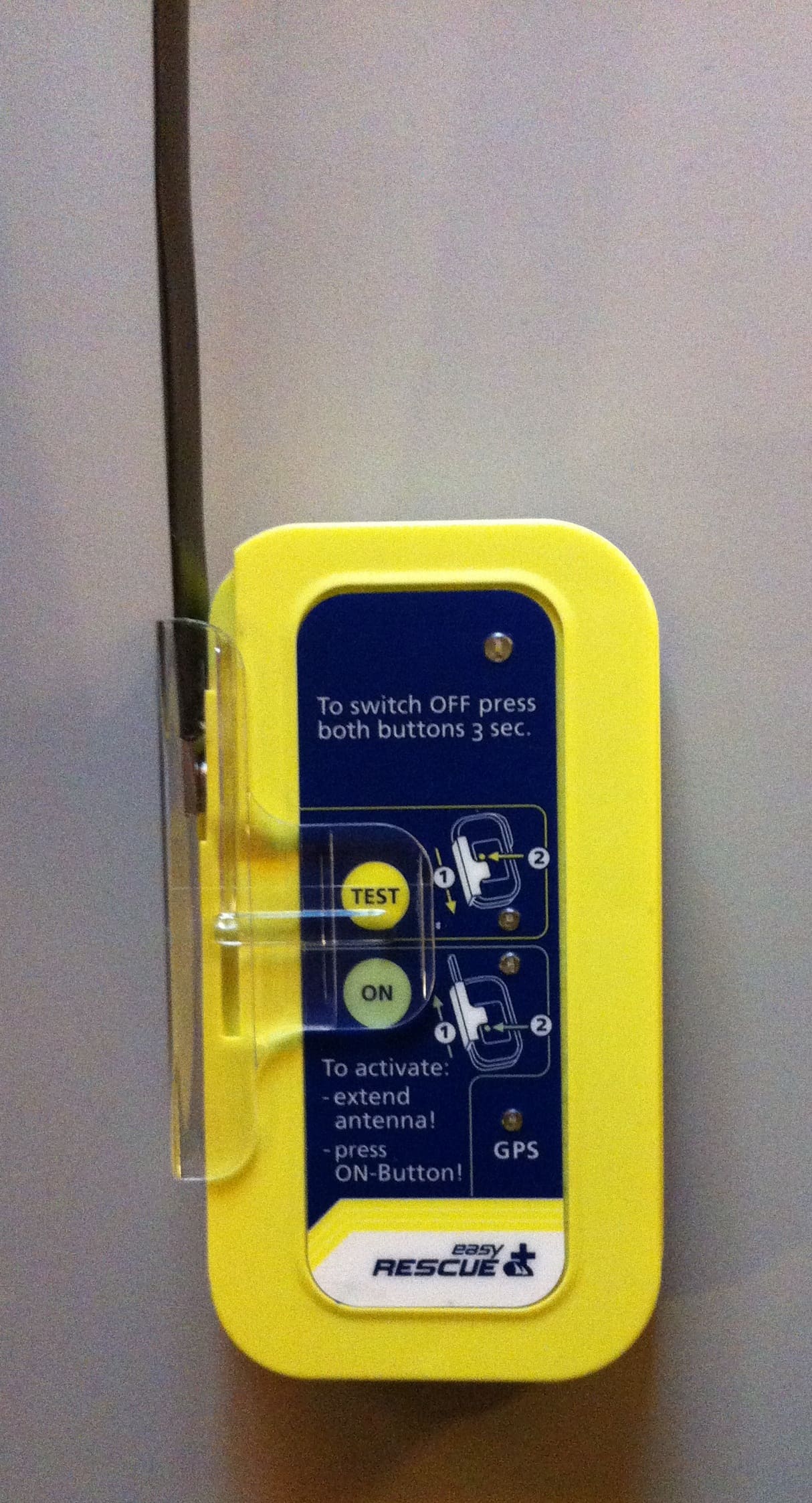
Photo: S.J. de Waard / Wikimedia Commons · CC BY-SA 3.0 Personal AIS MOB beacons clip to a life jacket and send the wearer's position to every AIS plotter nearby, including your own, when activated. The Coast Guard identifies AIS MOB devices by an ID starting with 972 (AIS SARTs start with 970 and AIS-equipped EPIRBs with 974). Some newer beacons also send a DSC alert to your own radio. Know their limits:
- They help your crew and nearby boats find the person; they are not monitored by Coast Guard rescue centers. Pair them with a PLB or EPIRB for offshore trips (see our EPIRB and PLB guide).
- Each beacon has its own built-in ID; register or set it up exactly as the maker says, and test it only with the test function.
- Store them so they can't be set off by accident, and report any accidental activation to the Coast Guard.
- Expect short range: the beacon's antenna sits just above the water and waves block it, which is another reason your boat's AIS antenna should be high.
Record the MMSI, programming date, antenna type and splitter in BoatMend. Check your own data at the start of each season, check coax connections and antenna mounts for corrosion yearly, and confirm the unit still shows a transmit light after any electrical work.
Common mistakes
- Using a made-up MMSI, the boat's documentation number or a default like 123456789. It confuses every receiver nearby.
- Entering the MMSI wrong on a unit that only allows one entry.
- Sharing one antenna through a cheap splitter not made for AIS, and losing VHF range.
- Leaving the unit in silent mode and assuming ships can see you.
- Mounting the GPS antenna under the arch or radar where it loses the sky.
- Trusting AIS alone and not keeping a lookout for boats without it.
- Buying a used Class B unit and not having it reprogrammed with your own MMSI.
When to call a pro
- Programming or reprogramming the MMSI on a unit that doesn't allow owner entry
- Mounting antennas at the masthead or running coax through the mast
- A unit that shows an error or never transmits after checking power, GPS and antenna
- Integrating AIS with an existing VHF, splitter and multiple displays on a complex network
- Weak VHF or AIS range after the install (an installer can test the antenna and coax)
Tips
- Put the MMSI on a label at the helm and in BoatMend; you'll need it for the radio, the AIS and any rescue call.
- If your plotter allows it, set a "buddy" or friend label for boats you cruise with.
- Turn the AIS on at least before you leave the dock, so it has a GPS fix and is broadcasting when you need it.
- A receive-only unit is a fine first step on a small boat; you can upgrade to Class B later.
- Racing offshore? Many offshore race organizers require a working AIS transponder, and their rules differ, so read the notice of race before you buy.
- Keep the plotter's software updated. Garmin's 2025 update, for example, lets supported plotters show AIS safety broadcasts (warnings about hazards such as floating objects and right whale management areas) as on-screen messages.
Official references
We read these to write this guide. Your engine's own manual always wins.
- USCG NAVCEN – AIS Frequently Asked Questions
- USCG NAVCEN – Types of AIS
- USCG NAVCEN – Vessel Information Verification Service (VIVS)
- BoatUS – MMSI Registration for Recreational Boaters
- West Marine – Be Safe and Be Seen with AIS
- Garmin – AIS 800 Installation Instructions, Assigning an MMSI Number
- Digital Yacht – Good AIS Etiquette, Fitting a Silence Switch
- BoatUS – What You Need To Know Before Installing AIS (2018)
- BoatUS – Garmin Adds AIS Warnings To MFDs (2025)
Safety: BoatMend is for information only and does not replace a certified marine technician. You are responsible for your safety and your boat. Read the full disclaimer.
Last updated 2026-10-24
Related guides
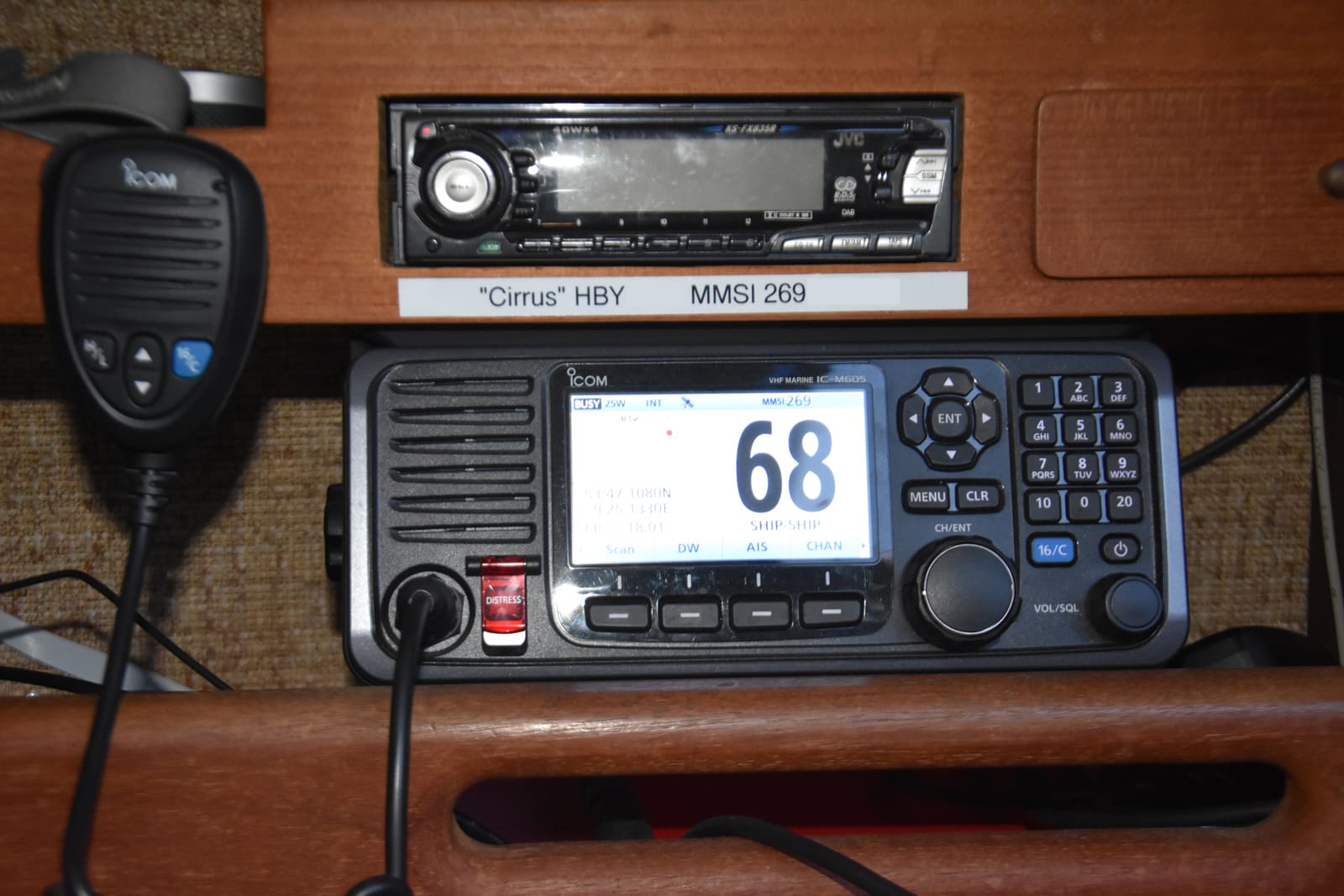
Set Up Your VHF Radio: MMSI, DSC, GPS Hookup and Radio Checks
Get a free or low-cost MMSI number, program it into your DSC radio, connect your GPS so a distress alert sends your exact position, check the antenna, and learn the Channel 16 rules and the right way to do a radio check.
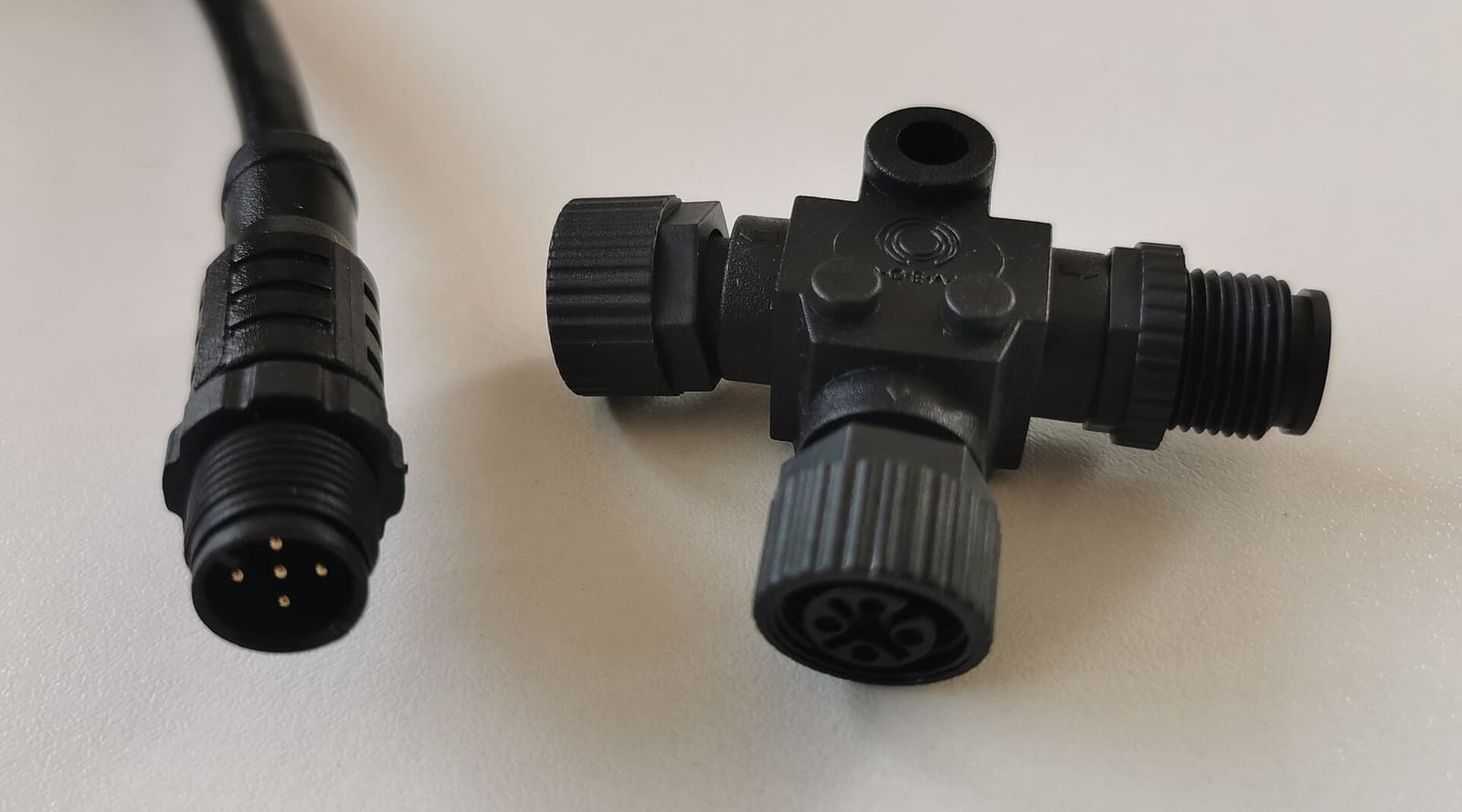
NMEA 2000 Network Basics and Troubleshooting (Plus Chartplotter Updates)
Understand the backbone, terminators, power tap and drop cables that tie your chartplotter, engine data, GPS, depth and autopilot together, then track down why a device keeps dropping off. Finish by updating chartplotter and device software the safe way.
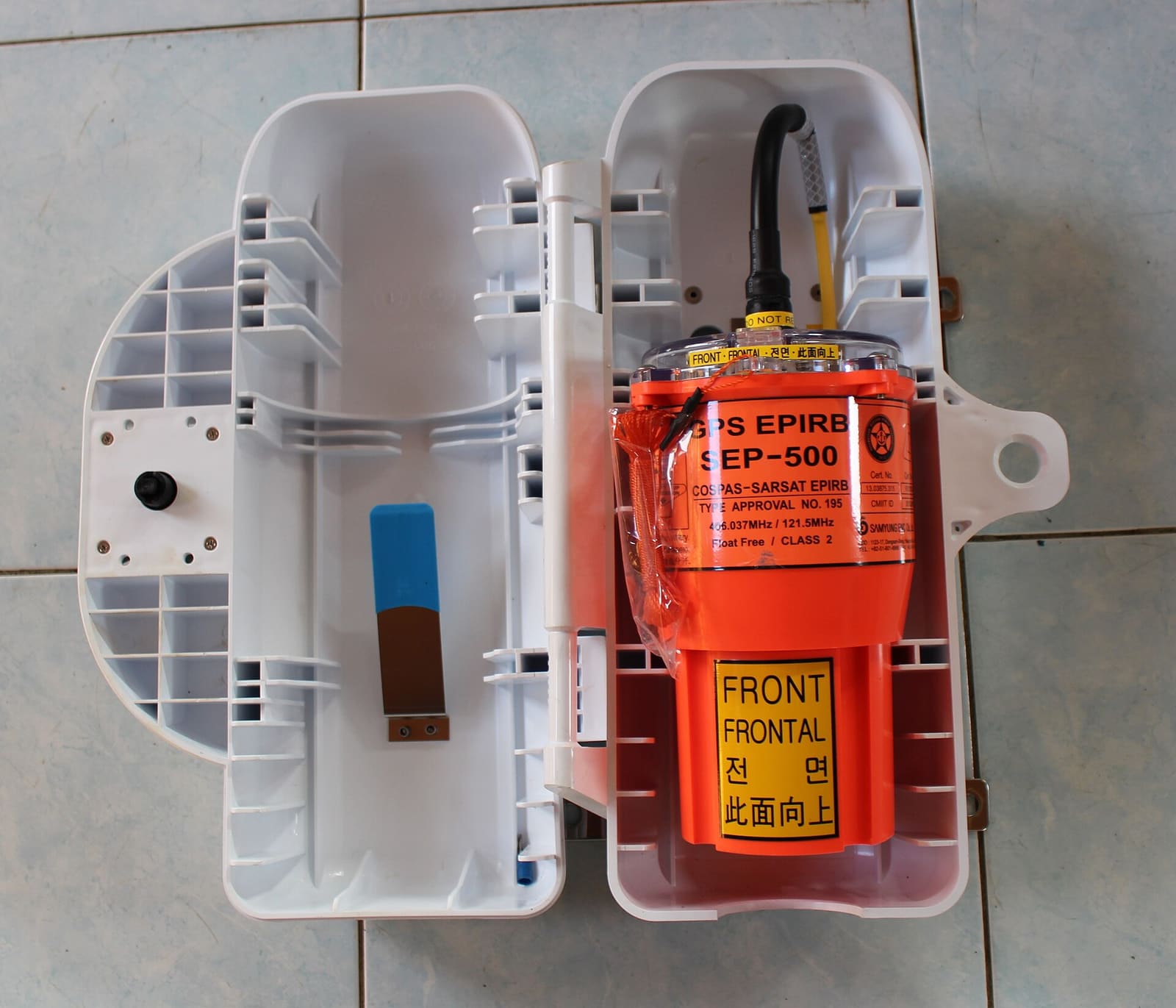
EPIRB and PLB Care: Registration, Batteries, Self-Test and Mounting
Keep your 406 MHz emergency beacon ready to work on the worst day of your life. Register it free with NOAA and renew every two years, track the battery and hydrostatic release dates, run the self-test without triggering a false alert, and know what happens after you press the button.
Man-Overboard Recovery Gear: Throwables, Lifesling, Ladders and MOB Alarms
Set up and check the gear that gets a person in the water back aboard - a throwable within reach, a floating rescue line or Lifesling-style sling, a boarding ladder someone in the water can pull down, and MOB alarms or AIS beacons - and practice the drill so it works when it counts.

How to Upgrade Your Boat's Lighting to LED (and Keep Your Nav Lights Legal)
Switch cabin, cockpit and courtesy lights to LED to cut battery drain and bulb changes, choose navigation lights that are actually USCG-certified (not just LED bulbs), check voltage range and dimmers, seal every connection, and run the Coast Guard's simple VHF test to make sure the new lights aren't deafening your radio or AIS.
12-Volt Boat Wiring Basics: Circuits, Color Codes, Fuses and Wire Size
Learn how your boat's 12-volt system is laid out, what the ABYC wire colors mean, how fuses and breakers protect the wiring, why voltage drop and tinned wire matter, and how to read a wiring diagram, so you can troubleshoot smarter and know which jobs belong to a marine electrician.