Internet Near Shore: Cellular Routers, Signal Boosters and Marina Wi-Fi Extenders
For boats that stay within sight of land, a cellular router, a legal signal booster or a marina Wi-Fi extender can be a cheaper alternative to satellite. Learn which one fits how you boat, why antenna placement and cable length matter, the FCC rules for boosters, how much power they use and how to test that it actually works.
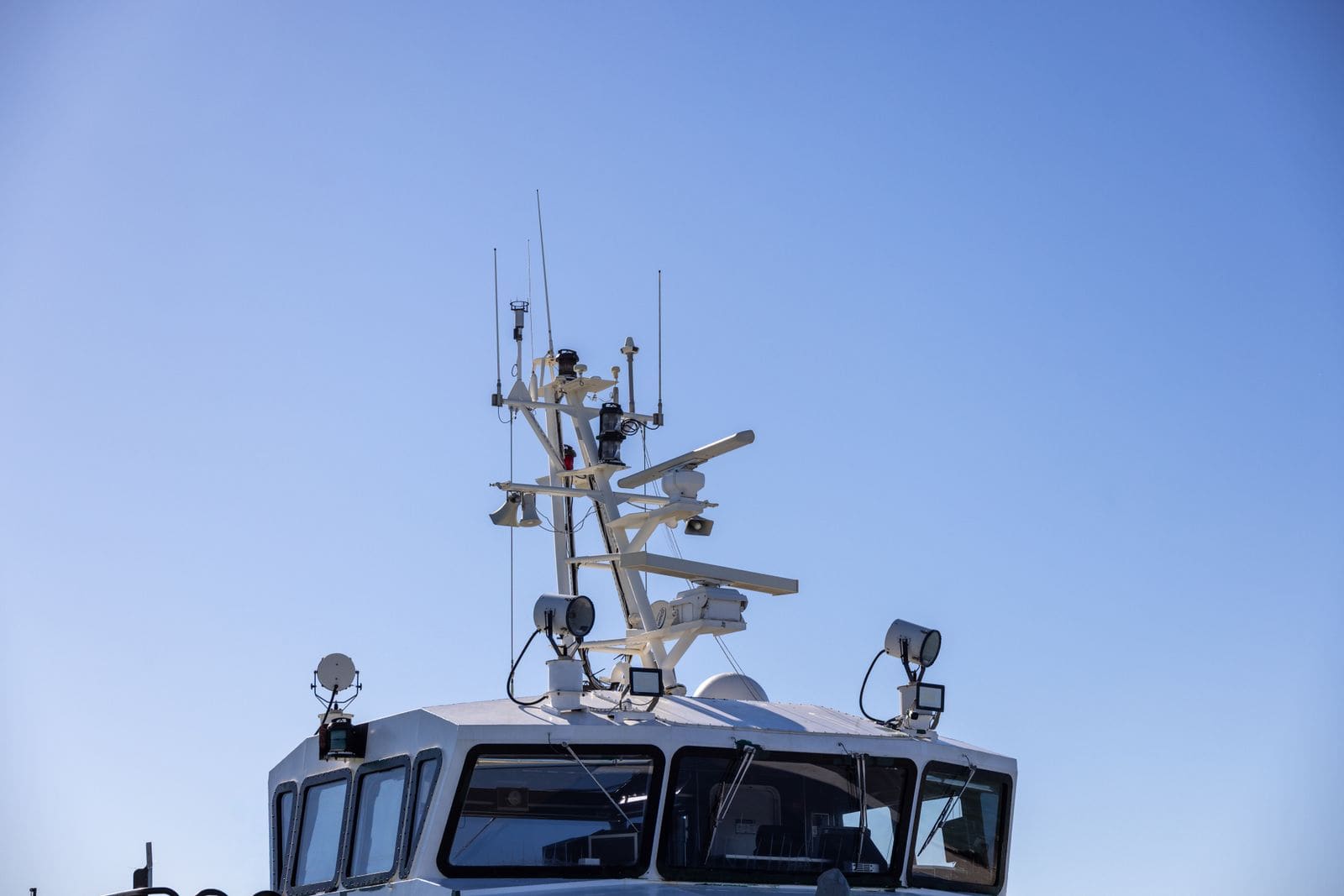
Time
2 h
Shop would charge
$300-1500
Applies to
All engines
Safety first: Cellular is not a safety system. Coverage drops off quickly offshore and behind headlands, and the FCC requires booster labels to warn that 911 location information may be missing or wrong on calls made through a booster. Keep your VHF radio (channel 16 and DSC) as your primary distress tool and carry an EPIRB or PLB when you go offshore. Turn off the boat's battery switch before wiring, fuse every new circuit at the source, and seal every hole you drill in the deck. If you smell hot insulation or see smoke, switch off the power and call for help on VHF 16 or 911.
Owners often ask
- Do I need to register a cell phone signal booster on my boat, and can I use the one from my house?
- Should I mount my cellular antenna at the top of the mast for better range?
- My new boat came with a cell signal booster built in. Do I still have to register it?
This guide walks you through it. Still stuck? Ask the AI Mechanic about your engine.
Tools
- Drill, hole saw and marine sealant (for antenna mounts and cable entries)
- Cable ties and adhesive cable clips
- Digital multimeter
- Wire stripper and crimper with marine heat-shrink terminals
- A phone with a signal-strength app or the router's status page
Parts & supplies
- Cellular router or hotspot with external antenna ports, or an FCC-certified consumer signal booster sold for vehicle or marine use
- Marine-grade outside antenna and mount (rail, arch or deck)
- Low-loss coax of the type and length the maker specifies, with matching connectors
- Fuse or breaker and marine-grade wire for the 12-volt supply
- Self-amalgamating tape for outdoor connectors
Before you start
Three different tools. Owners often lump them together, but they do different jobs:
- Cellular router (or hotspot) with external antennas: has its own SIM card and data plan and makes a Wi-Fi network inside the boat. With a marine antenna up high, it usually gives the best results for laptops, TVs and anything on Wi-Fi.
- Cellular signal booster (amplifier): picks up a weak signal with an outside antenna, amplifies it and rebroadcasts it inside the boat, so everyone's own phones work better. No extra data plan. 48° North notes that boosters help most where the signal is mid to low, and they shut themselves off near a strong tower where they can't help.
- Marina Wi-Fi extender: a long-range Wi-Fi antenna and radio that reaches the marina's Wi-Fi network from your slip and shares it inside the boat. It can't create a signal that isn't there. Some products combine a Wi-Fi extender with a cellular router, so the boat switches to cellular when it's out of Wi-Fi range.
Cellular or satellite? Cellular is cheaper to buy and run and works well along the coast, on lakes and in the Intracoastal. It fades a few miles offshore and in remote areas. Satellite internet (see the Starlink guide) works far from shore but costs more and uses more power. Many cruising boats use a router that switches between the two.
Check coverage first. Look at your carriers' coverage maps for the waters you actually use, and talk to other boaters at your marina about which carrier works best there.
Steps
List the devices (phones, laptops, a TV, remote monitoring, chartplotter updates) and where you boat. Mostly phones in fair-signal areas: a booster. Laptops, streaming or working aboard: a cellular router with outside antennas. Long stays in one marina with decent Wi-Fi: an extender, ideally combined with cellular for days away from the dock.
Federal rules (47 CFR 20.21) let you run a consumer signal booster under your carrier's license only if:
- the booster is FCC-certified and carries the required label
- you register it with your wireless carrier and have their consent before use (most carriers consent; the registration is usually a short online form)
- you use only the antennas, cables and couplers the booster maker specifies
- you never disable the features that protect the cell network
Boosters certified only for fixed indoor use must say so on the label and may be operated only in a fixed location inside a building, so for a boat choose one sold for vehicle or marine use. Avoid cheap uncertified "repeaters": an illegal or faulty booster can interfere with the cell network, and the FCC or your carrier can order you to shut it off.
Height helps: in a Power & Motoryacht test, a booster with its antenna 18 feet up worked reliably out to about 13 miles from a 100-foot tower ashore, and the author found range was limited mostly by antenna height once cable losses were controlled. But cable length matters too. 48° North's onboard-tech writer points out that a cellular antenna only adds a few dB of gain, and a long run of coax up a mast can eat most of it, so on most boats an arch, hardtop, T-top or radar mast beats the masthead. He keeps his runs under about 30 feet. Choose a spot:
- as high as you can reach with a short cable run
- clear of metal structure, other antennas and radar beams
- away from your VHF antenna, so neither interferes with the other
Use a marine mount made for your antenna (rail, deck or arch). Make sure it's tight, upright and won't flex in a seaway. Through-deck mounts need a properly sealed hole: bed the fitting with marine sealant and seal any cored deck as the deck-hardware guides describe. Leave a drip loop in the cable below the mount so water runs off before it reaches the connector.
Use the low-loss coax and connectors the maker specifies, as short as practical, in one continuous piece. 48° North advises no splices or barrel joints, and routing the coax away from other wiring and high-current cables. Don't crush it with tight cable ties, don't kink it, and keep bends gentle. Seal outside connectors with self-amalgamating tape. A cable entry or chase tube keeps water out where the coax goes through the deck.
A booster's inside and outside antennas must be well apart, or the booster detects a feedback loop and reduces power or shuts down. Place the inside antenna centrally where people use their phones, and the outside one as far away (and preferably above) as you can. Keep the outside antenna at least as far from people as the booster's label requires (the federal label says 8 inches minimum; your manual may say more).
Power the router or booster from the house bank through a fuse or breaker sized per the maker's instructions, with properly sized marine wire and crimped, heat-shrink terminals. Many units come with a cigarette-lighter plug; for a permanent install, hard-wire it. Mount the booster or router where air can circulate: 48° North found that booster amplifiers can get very hot.
A booster or router runs whenever you're online, often for many hours. 48° North measured boosters drawing roughly 10 to 22 watts, up to about 1.8 amps at 12 volts. Over 24 hours that can add up to a noticeable share of a small house bank. Check your unit's spec sheet, add it to your power budget (the battery bank sizing guide shows how), and switch it off when you're not using it.
Register the booster with your carrier before switching it on. The FCC's signal booster FAQ adds a few details owners miss: registration is free; if your boat came from the factory with a booster built in, you still have to register it before use; anyone aboard who uses it regularly should register it with their own carrier too; and if the FCC or any wireless carrier tells you the booster is causing interference, you must turn it off and leave it off until the problem is fixed. Then power it up and watch the status lights:
- a loop or oscillation warning means the antennas are too close: move the inside antenna or lower the gain
- a "near tower" or overload warning at the dock is normal; the booster is protecting the network
The Power & Motoryacht installer had to reposition the inside antenna and lower the gain at the dock before the booster ran normally, then readjusted it once away from the tower. For a router, log into its status page and note the signal readings.
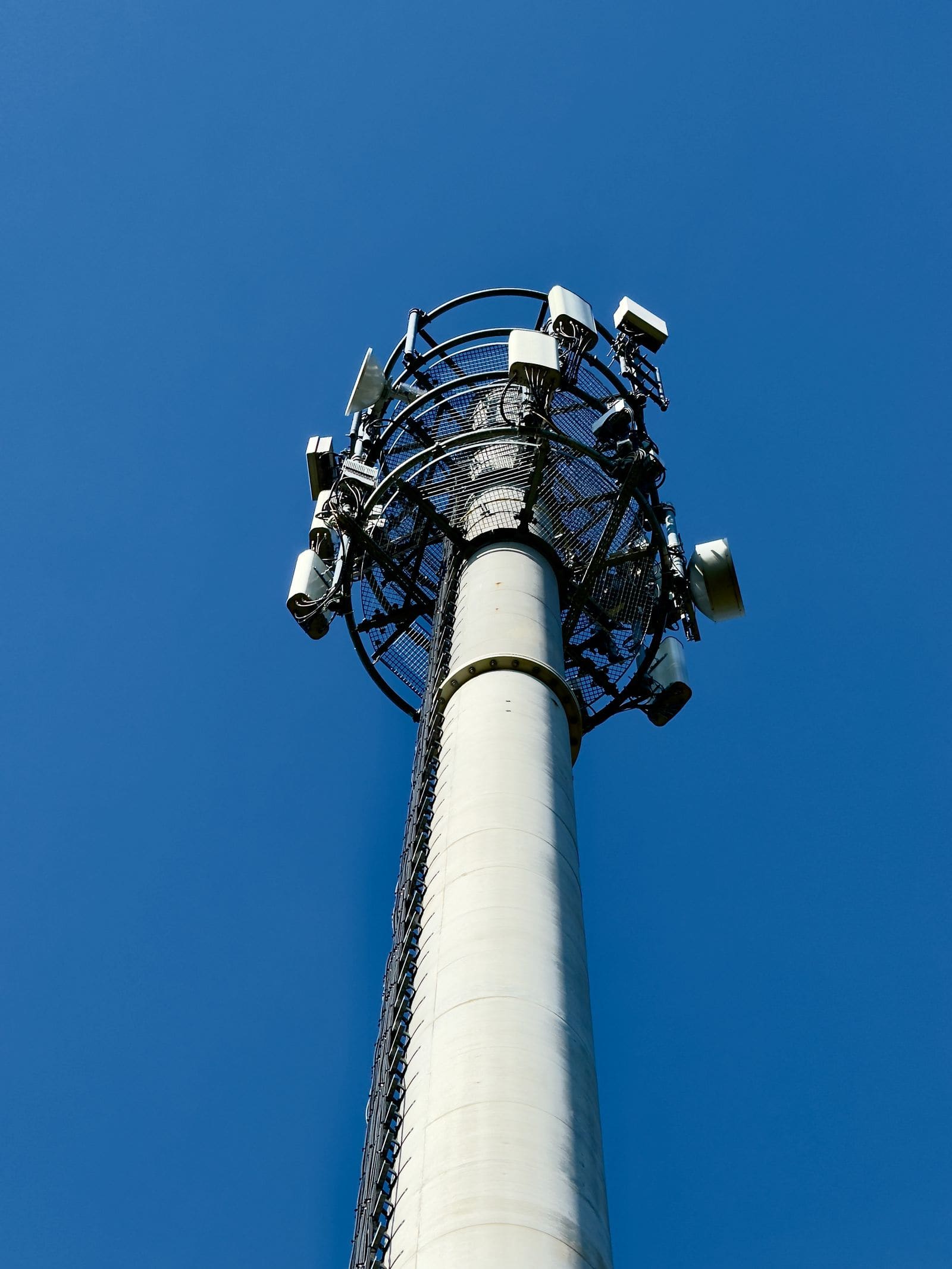
Range depends on the height of both your antenna and the tower ashore, and on what's between them. Photo: Przemek Leśniewski / Pexels Run a quick test at the dock, then at the edge of where you usually boat. Write down signal bars or readings, the speed-test results and the distance from shore. This tells you where you can count on a connection and where you can't. Repeat for each carrier if you carry more than one SIM.
Mount its antenna up high with a clear line of sight to the marina's access points. Connect to the marina network from the extender's settings page, then connect your devices to the extender's own network inside the boat. Set a strong password on your onboard network, and treat marina Wi-Fi as public: use the extender's firewall and a VPN for banking or work.
Once a season, check that antenna mounts are tight, connectors are dry and free of green corrosion, cables aren't chafed, and router and booster firmware is up to date. Rinse salt off the antenna and mount with fresh water. Log any changes in BoatMend.
Common mistakes
- Buying a booster certified only for fixed in-building use, or an uncertified one, for the boat.
- Forgetting to register the booster with the carrier.
- Mounting the outside antenna at the masthead with 60 feet of thin coax, losing more signal than the antenna gains.
- Putting the inside and outside booster antennas too close together, so it shuts down.
- Running the router through a cigarette-lighter plug that wiggles loose in a seaway.
- Leaving everything on 24 hours a day at anchor and waking up to a flat house bank.
- Counting on cellular for emergencies offshore.
When to call a pro
- Masthead, tower or arch installs that need a bosun's chair or a lift
- New through-deck holes in cored decks
- Adding a new circuit to the DC panel if you're not comfortable with marine 12-volt wiring
- Systems that combine cellular, Wi-Fi and satellite with automatic switching
- Persistent interference with your VHF, AIS or electronics after the install
Tips
- Keep a note of your antenna, cable type and length, booster model and carrier registration in BoatMend.
- Two SIM cards from different carriers often beat one expensive booster in patchy areas.
- Download charts, weather and entertainment while you're still at the dock.
- A booster and a router can work together: place the router's antennas near the booster's inside antenna, as 48° North suggests.
Official references
We read these to write this guide. Your engine's own manual always wins.
Safety: BoatMend is for information only and does not replace a certified marine technician. You are responsible for your safety and your boat. Read the full disclaimer.
Last updated 2026-11-06
Related guides
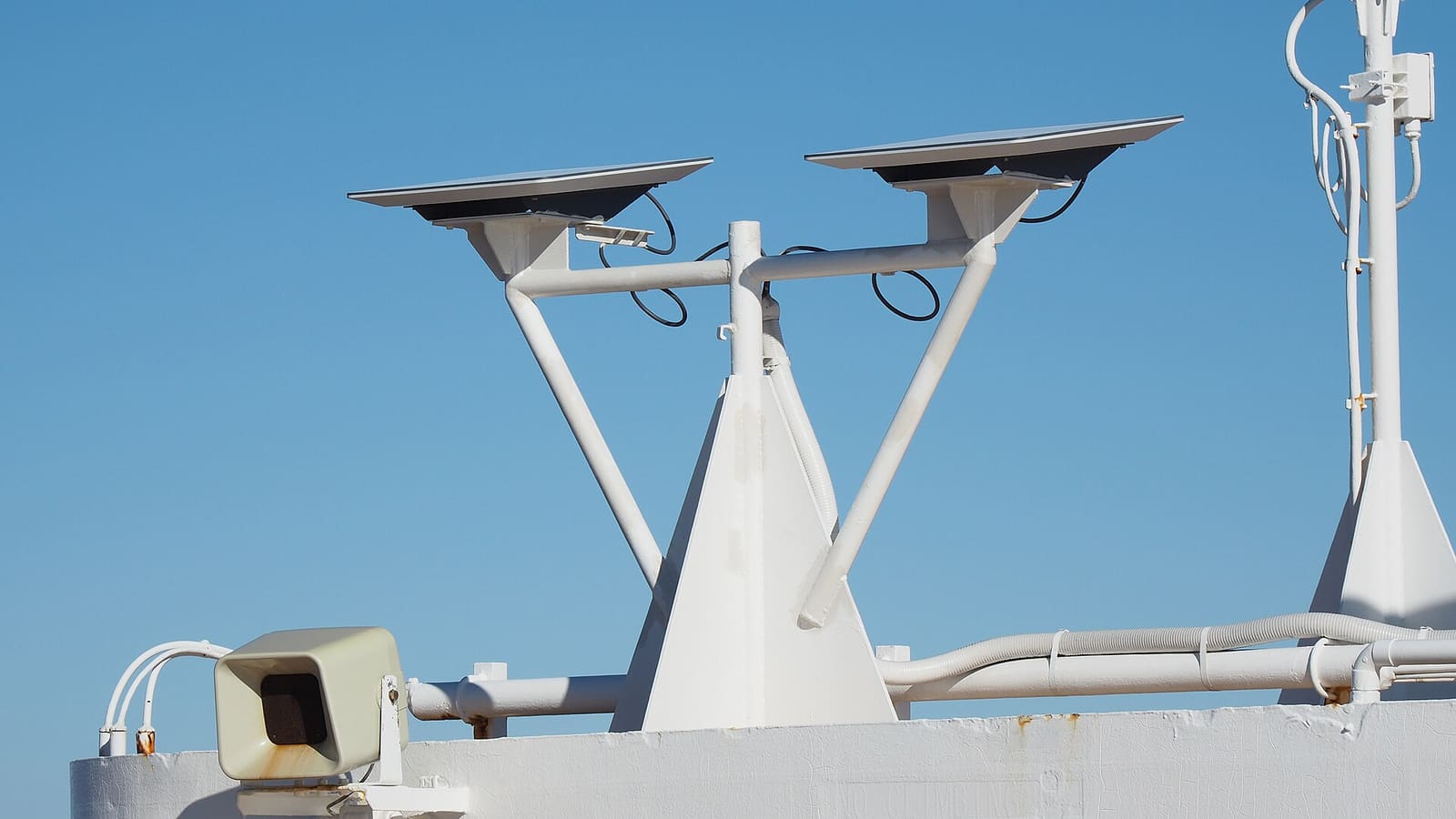
Satellite Internet on Your Boat: Starlink Plans, Mounting, Power and Wiring
An owner's guide to putting Starlink aboard: which plans allow coastal, offshore and in-motion use (as of October 2026), how much battery it eats, 12-volt versus inverter power, where to mount the dish, and how to route and seal the cable without leaks.

How to Size a House Battery Bank: Load List, Usable Capacity and Charging
Work out how many amp-hours your boat really uses in a day, how much of a battery's rated capacity you can actually use with lead-acid, AGM or lithium, how much reserve to add, and how your charging sources change the answer, so you buy the right house bank the first time.

Remote Boat Monitoring: Bilge, Battery, Shore Power and GPS Alerts on Your Phone
Choose, install and set up a system that texts you when your unattended boat is taking on water, losing battery or shore power, or moving without you. Covers cellular versus satellite, what each sensor really tells you, wiring it so it stays on, sensible alert settings and what happens to your location data.

12-Volt Boat Wiring Basics: Circuits, Color Codes, Fuses and Wire Size
Learn how your boat's 12-volt system is laid out, what the ABYC wire colors mean, how fuses and breakers protect the wiring, why voltage drop and tinned wire matter, and how to read a wiring diagram, so you can troubleshoot smarter and know which jobs belong to a marine electrician.
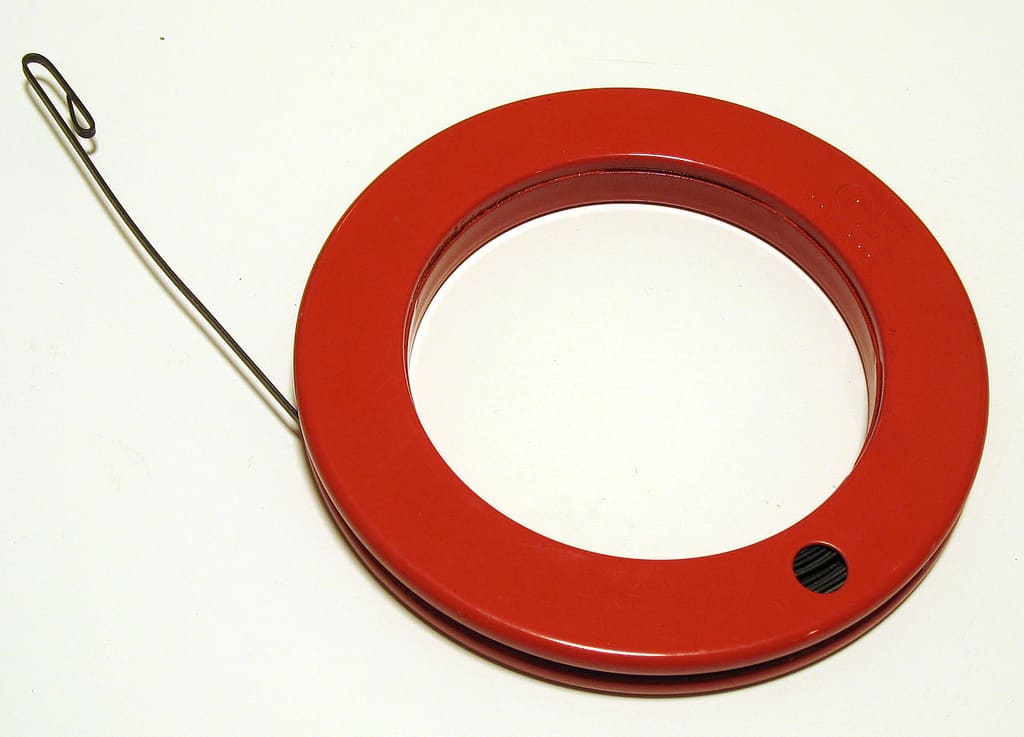
How to Run New Wires Through a Boat (Chase Tubes, Pull Lines and Deck Penetrations)
Get a new transducer cable, light or power wire from the stern to the helm or up through the deck without a fight: use the chase tube and a fish tape or pull string, protect the wire from chafe and heat, support it every 18 inches, seal every penetration and label both ends.

Testing Your VHF Antenna and Coax: Radio Checks, SWR, Connectors and Mounts
Most weak or scratchy VHF radios have nothing wrong with the radio. Learn how to test the whole antenna system, from a proper radio check and a DSC test call to a multimeter and SWR meter, how to find corroded connectors and wet coax, and when to replace the cable, antenna or mount.